If you don’t have access to the following screens, please contact the Admin to get the appropriate access rights.
The monitor can access to a specific value history clicking on the arrow aside the concerned field (as shown below) and select Audit History Values.
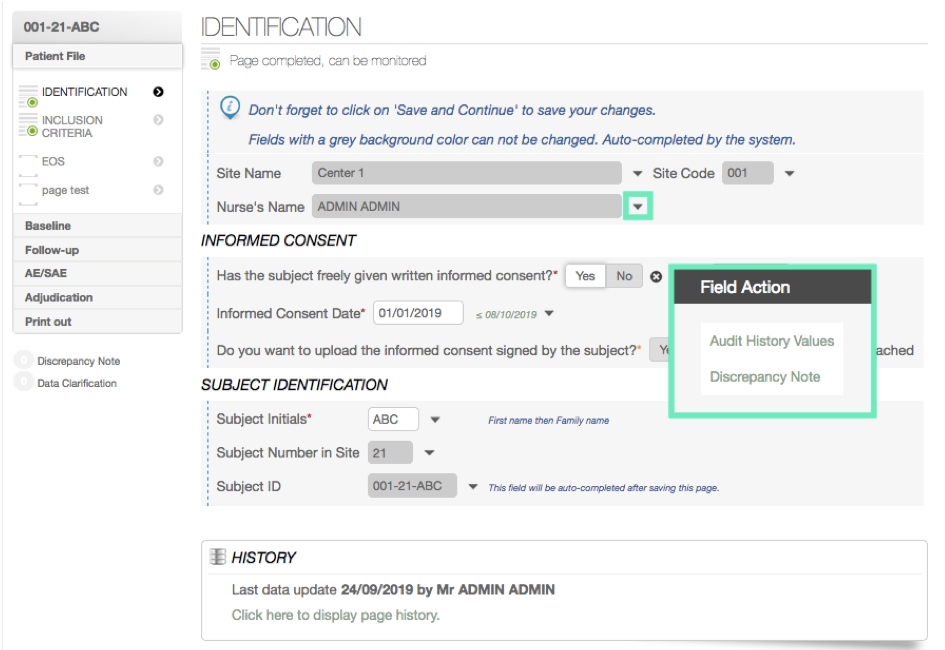
The Audit value history will be displayed in the screen.
In the table, you can see:
- Server Date/Time – When the entry was made
- Realised by – Who made the entry
- Value – What was the data entry
- Comments – Any optional comments
To close the window, click on the arrow on the left.