Step 1: Click on CRF Building from the Menu, it will redirect to the Builder Welcome Page

Step 2: Click on content of the Help Page, it will show a popup window

Step 3: To edit the message of a help page, click on Edit and it will open a new popup window


Step 4: Edit the text in English and French language, scroll down and click on update button

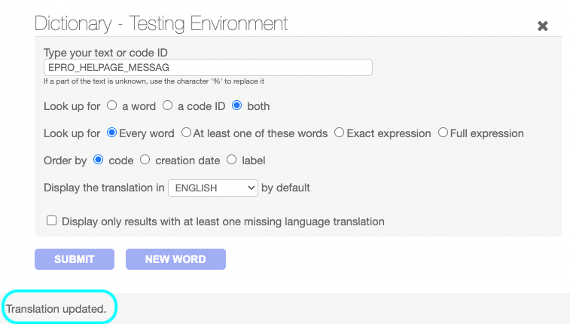
Step 5: It will show translation update message, click on cross icon, and reload the builder page it will display the updated message

Frontend: