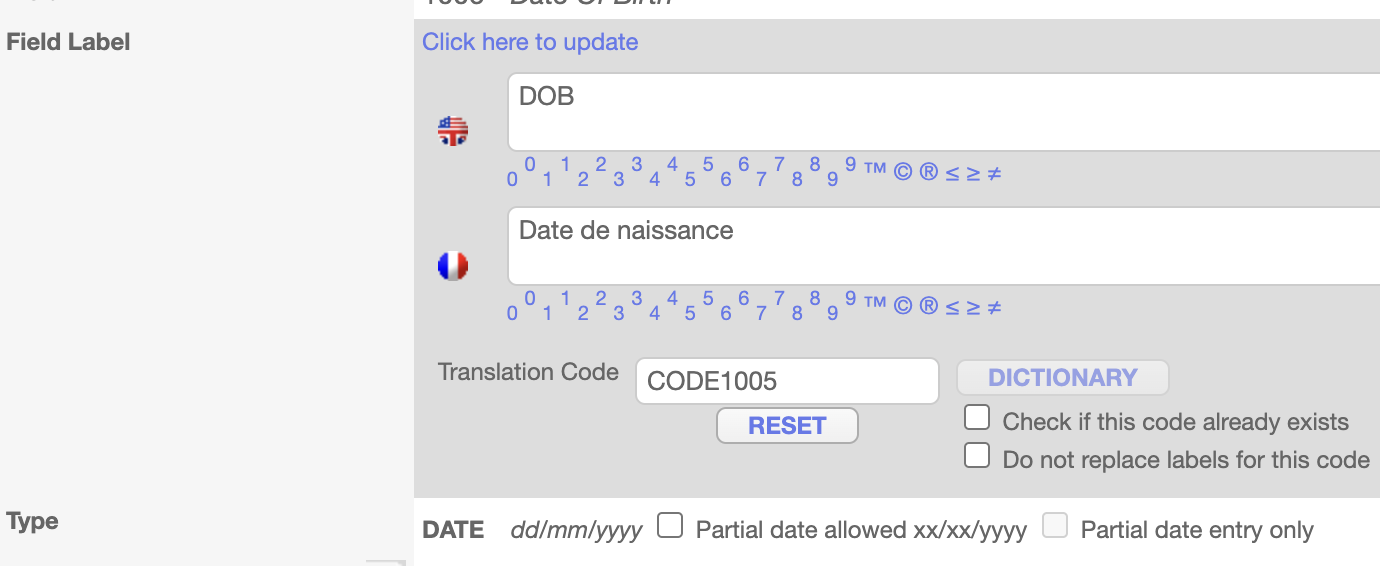
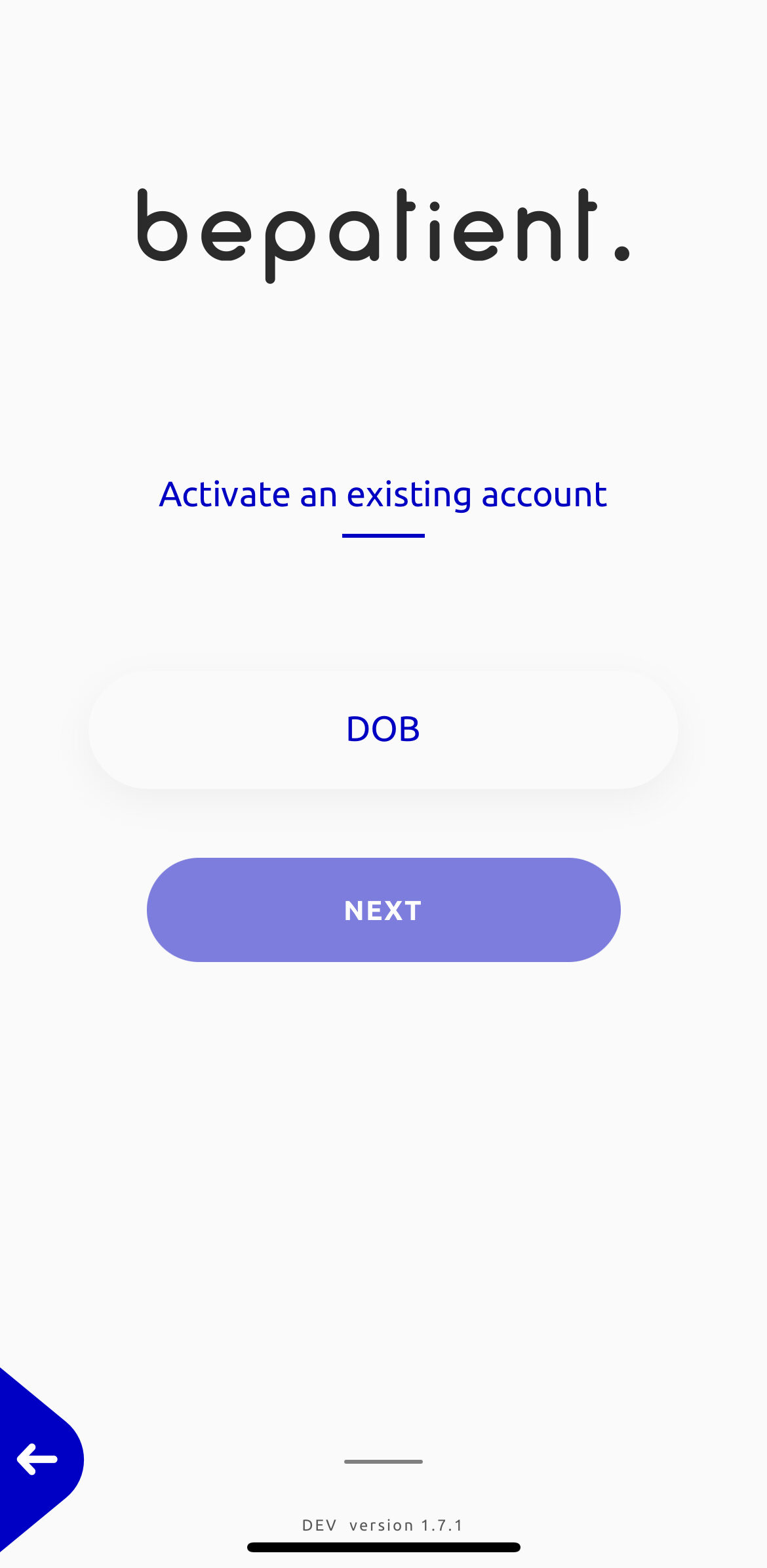
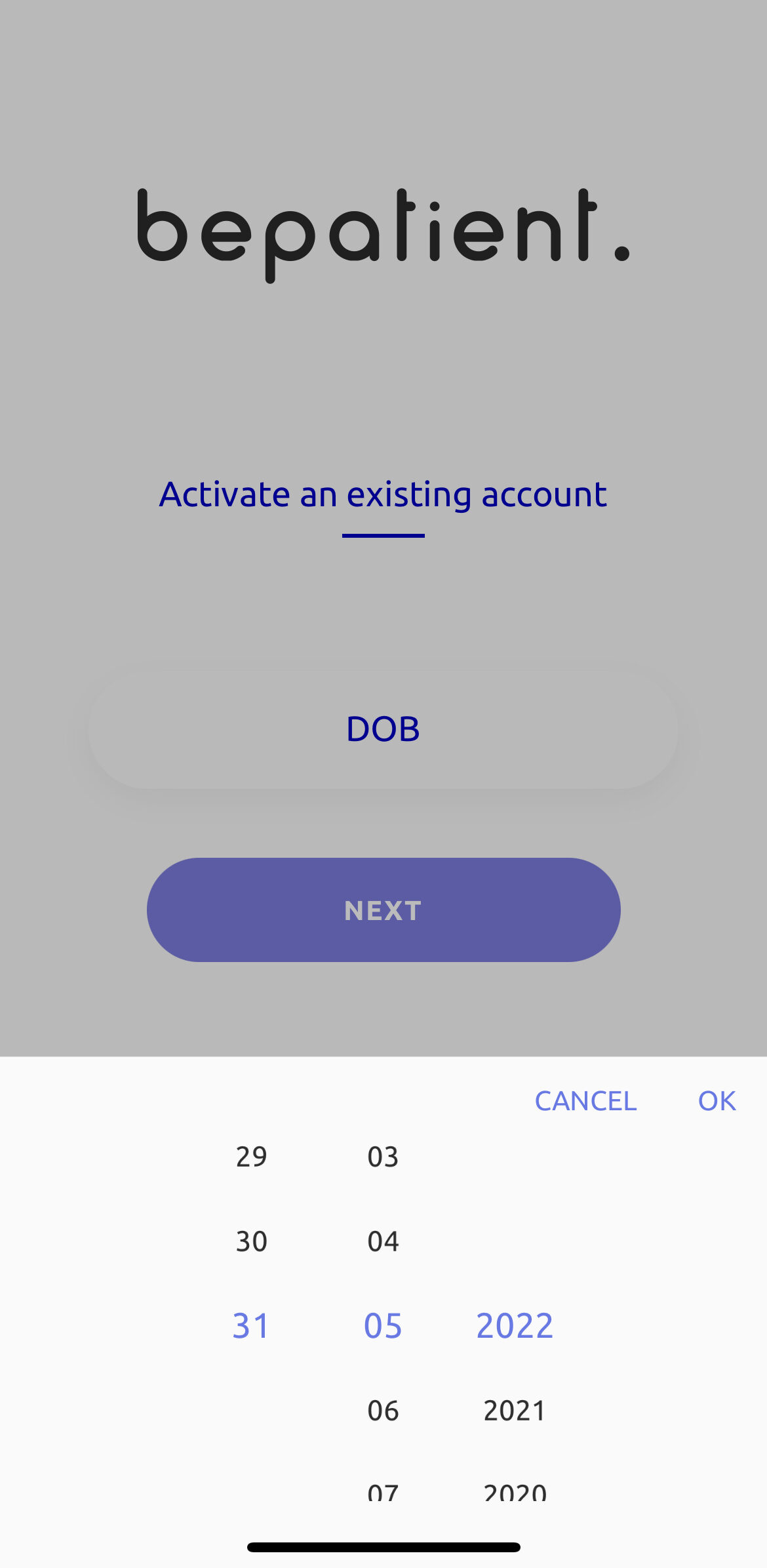
Patient ID, Date of Birth, Language, and Best time to receive notifications are the main 4 fields that are used to uniquely identify the ePRO patient. These fields are link to existent field on the eCRF (explained under How to add fields into an ePRO page). These fields are bridged with a database variable through the ePRO bridge, so when a patient does the onboarding, it will verify with the patient id and date of birth fields from the database. Also, through the language field the application will be loaded as per the selected language.

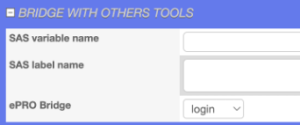
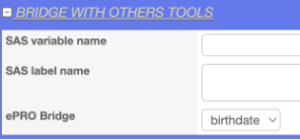
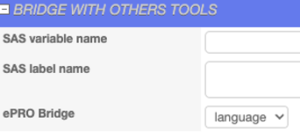
If you click on Patient ID and navigate to the BRIDGE WITH THE OTHER TOOLS section, you can see login is selected in the ePRO Bridge dropdown. Similarly, if you click on the Date Of Birth and Language, the birthdate and language have been selected in the ePRO bridge dropdown.
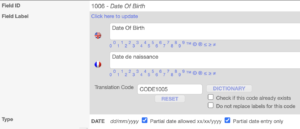
 Also, the field value is editable, in the GENERAL – OPEN/CLOSE ALL SECTION you can modify the field label as you like and date of birth can be dd/mm/yyyy or mm/yyyyy according to the field format.
Date Format: mm/yyyy
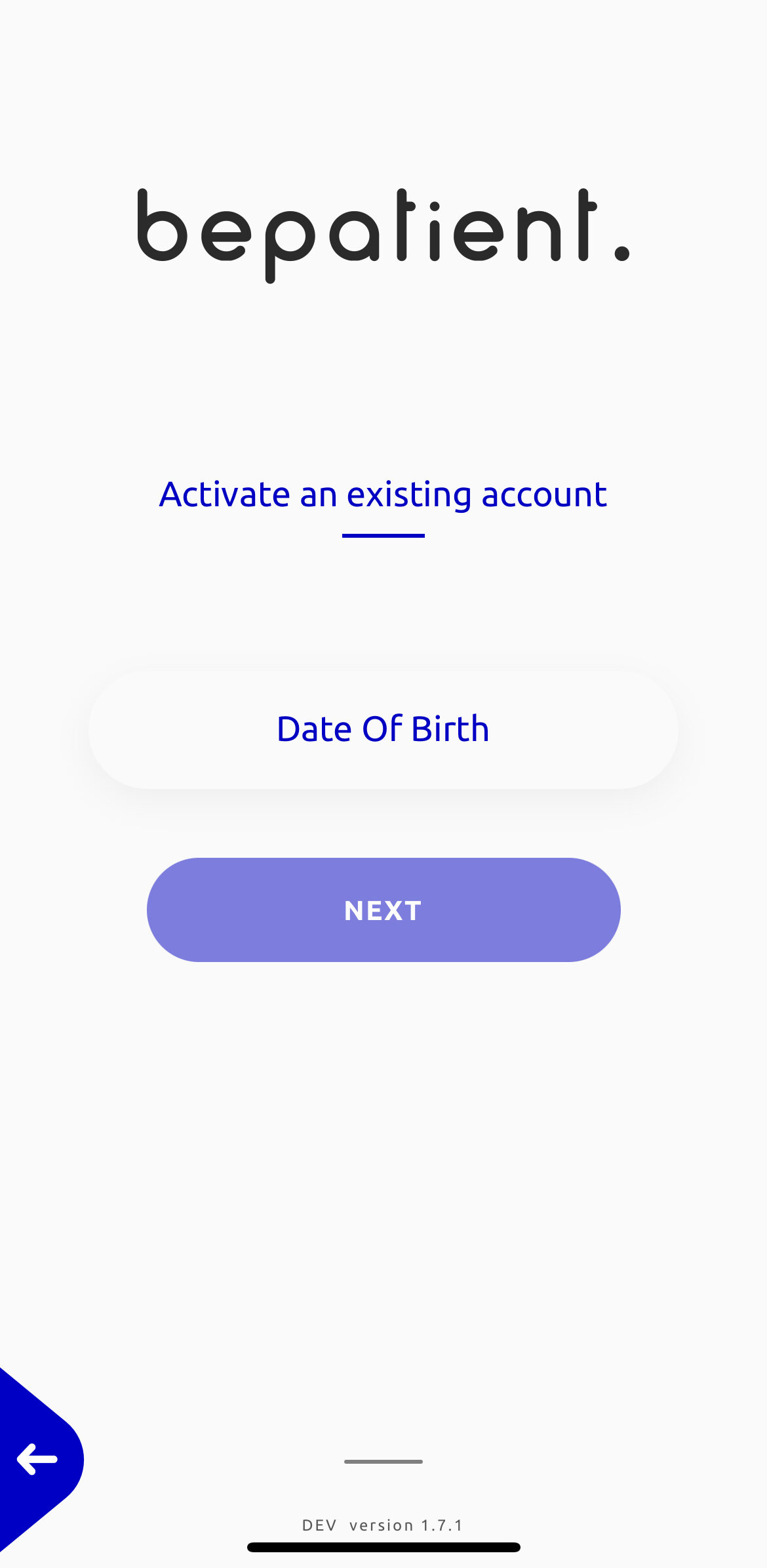
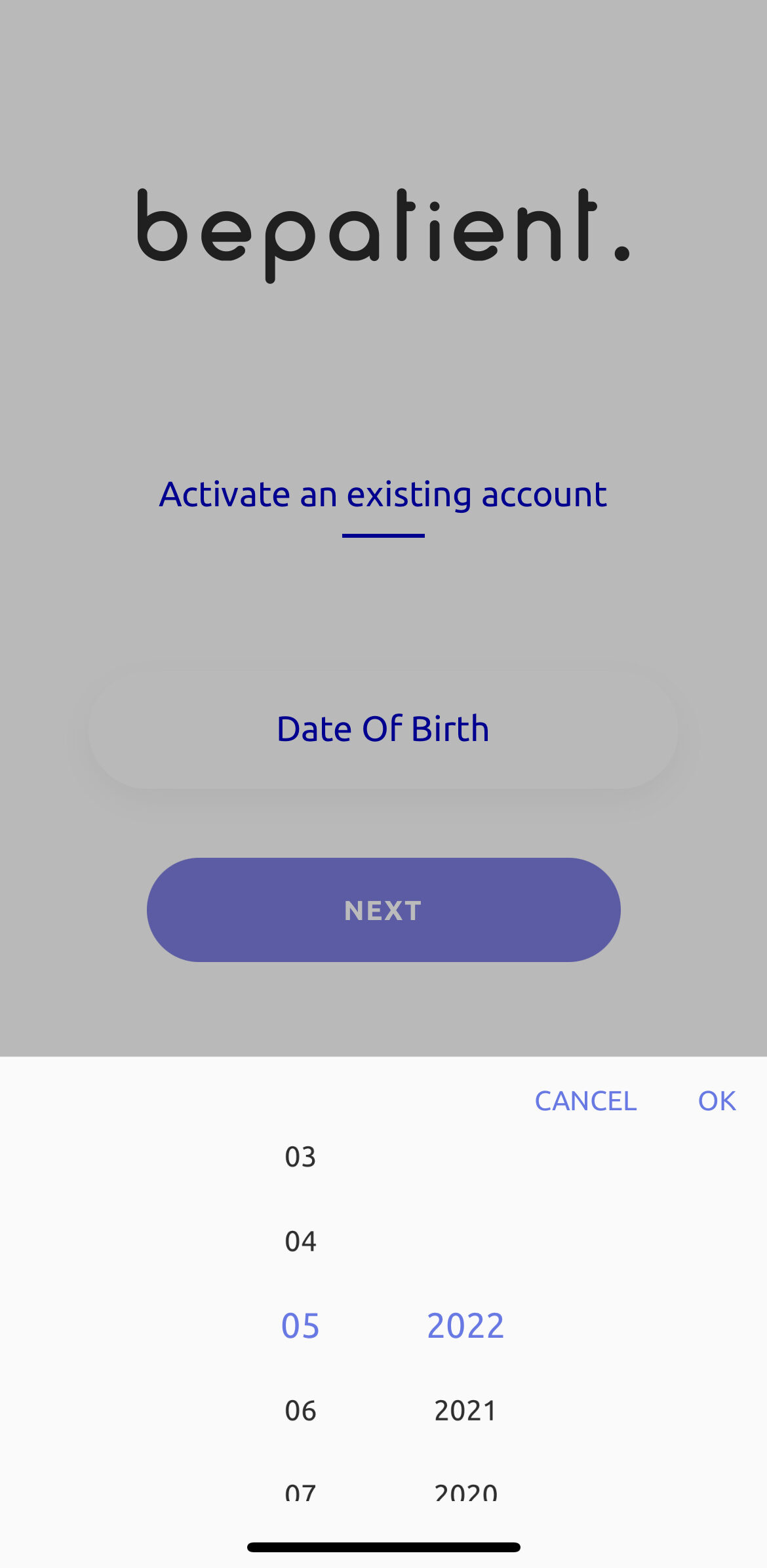
Date Format: dd/mm/yyyy