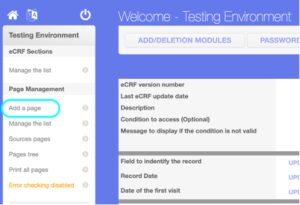
Step 1: Click on CRF Building from the Menu, it will redirect to the Builders Welcome Page, Click on Add a Page from the left side of Page Management

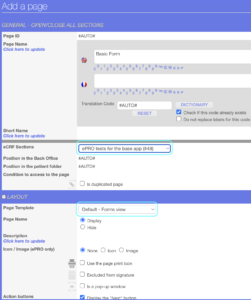
Step 2: Under GENERAL – OPEN/CLOSE ALL SECTIONS, Enter Page Name, From eCRF Sections dropdown select a section where you want to add this page, for this example let say “ePRO Section” option, Under LAYOUT section, Select Page Template “Default – Forms view”, Keep the default settings, Click on CREATE button.
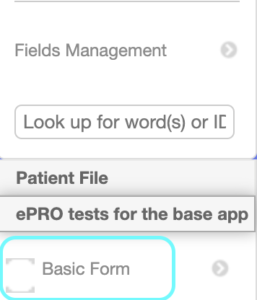
This will create a Page and you can see the page under ePRO tests for the base app section at bottom left.