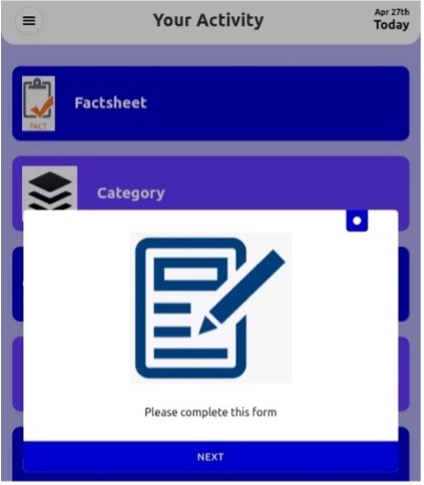
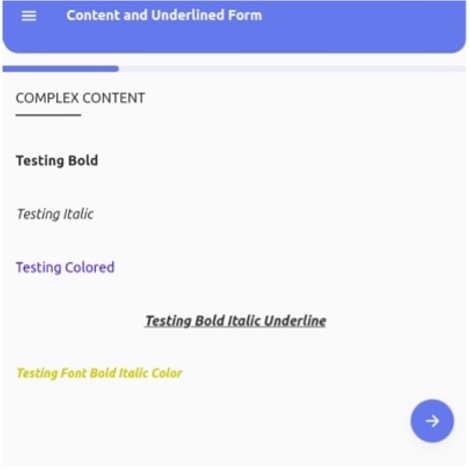
Information Popup
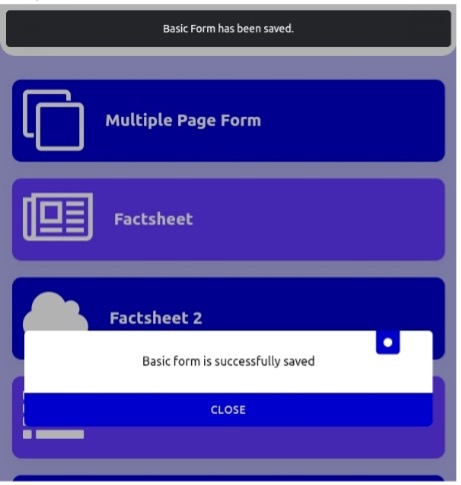
Information popup can be used when the patient successfully finishes one activity such as submitting a form. For example, an information popup will show when a patient saves the basic form. To display an information popup condition is required.

Block Popup
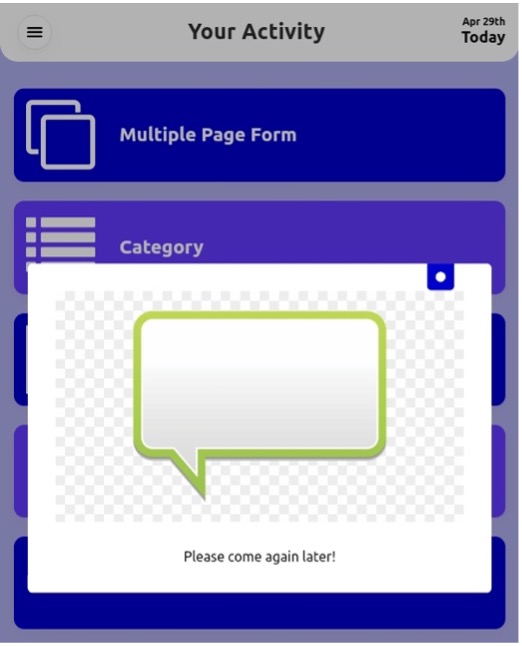
A blocking popup can be used when patient completes the activity, and it shows the blocking popup with a message “come next week” and screen is frozen.

Connection Popup
A connection popup can be used in a scenario when a patient completes the form and a popup show up with the following form to complete with the form link so when a patient clicks on that link or button it will open the next form page.