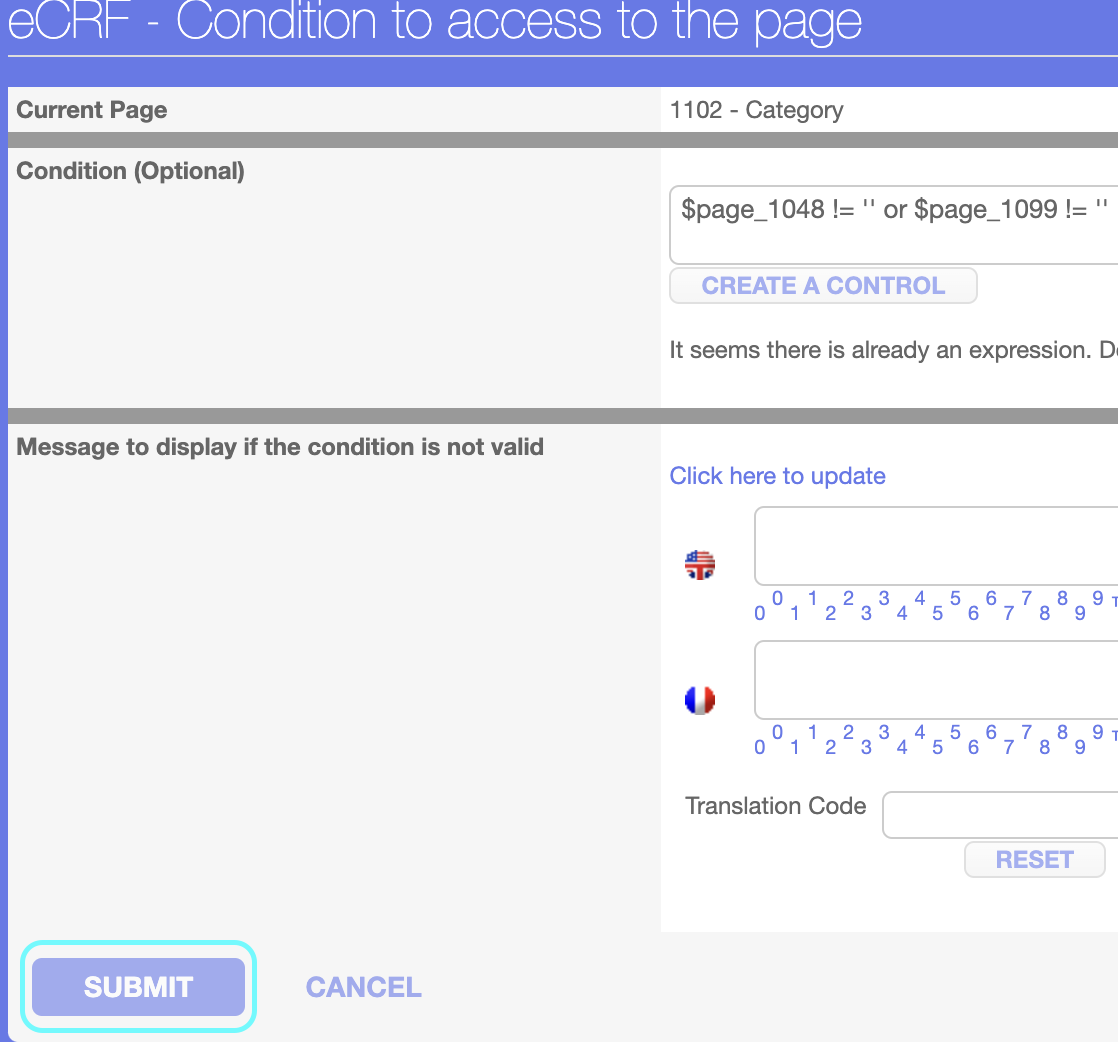
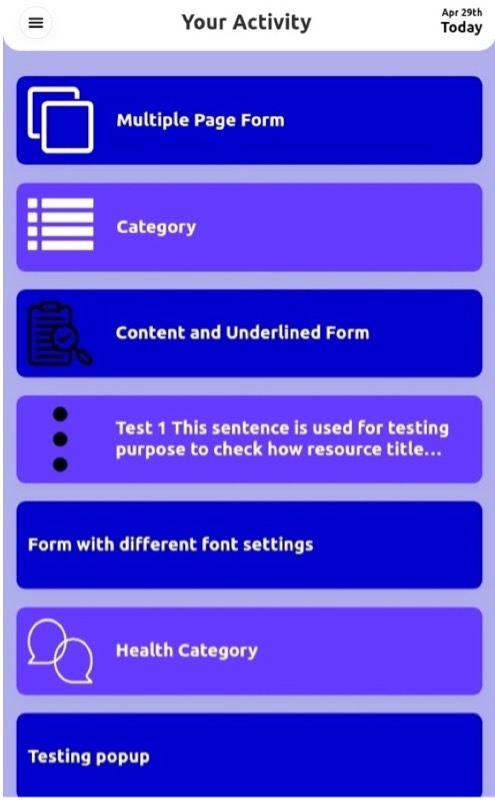
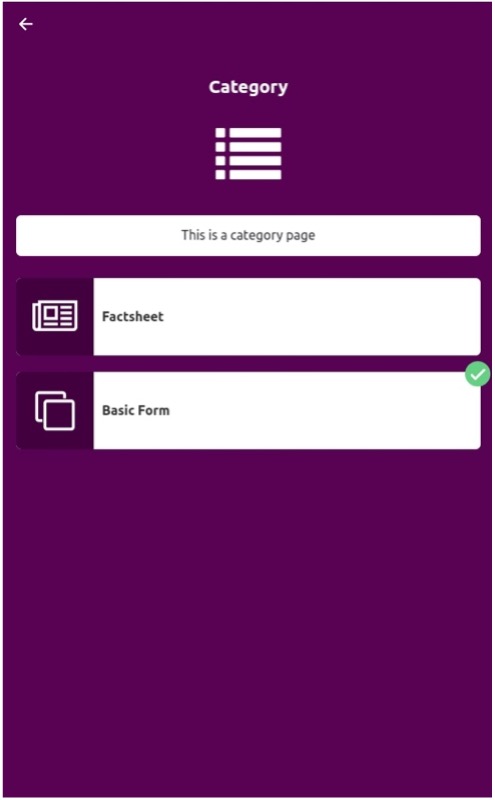
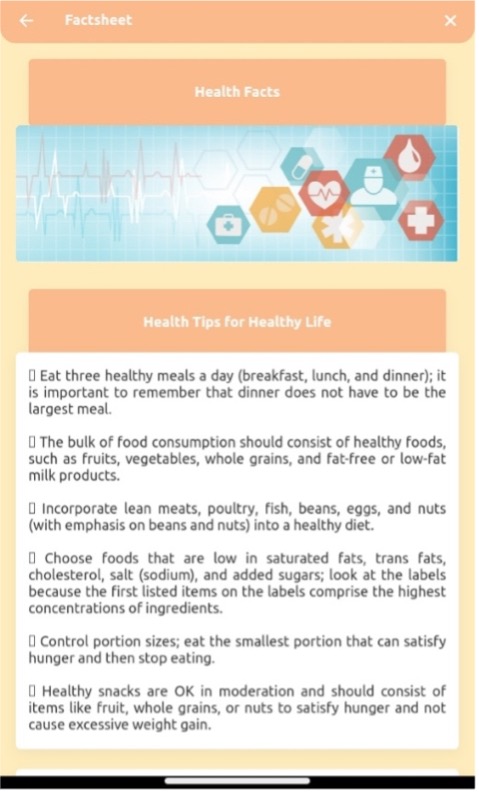
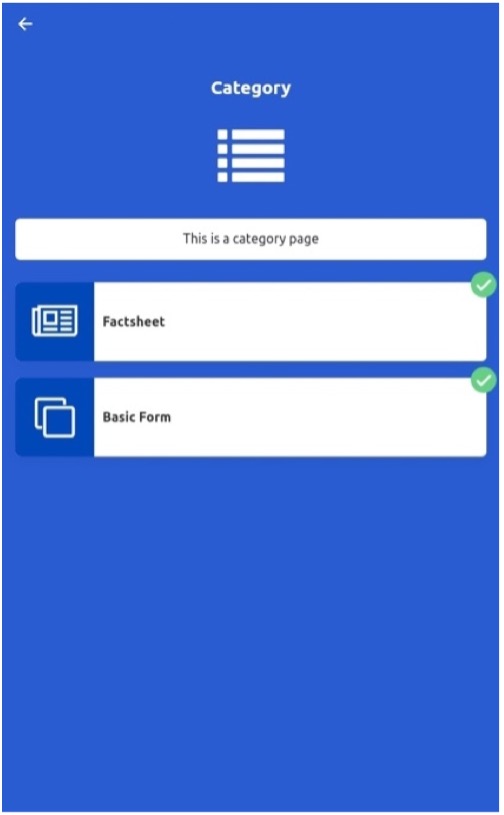
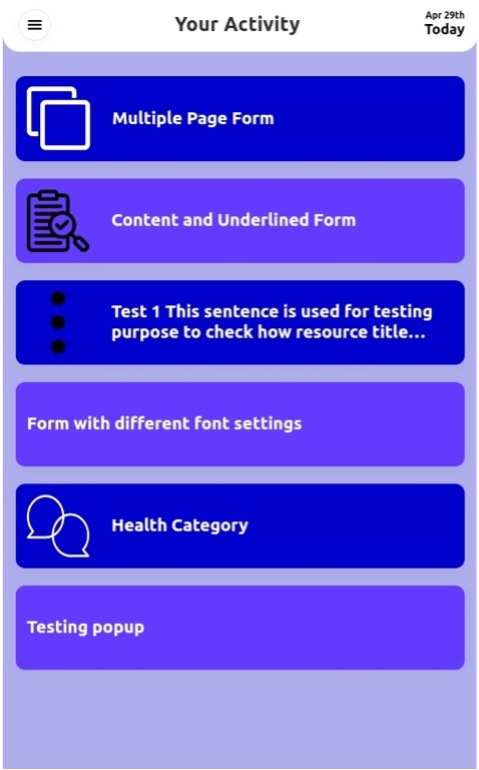
A page condition is used when you want to keep a form in the timeline until the condition is satisfied. For example, a condition is created for a category, if the basic form and the factsheet or either of these forms is not saved, the category will still display on the timeline, as soon as the basic form and factsheet are saved, the category will move to the menu.
Following are the steps to create a page condition:
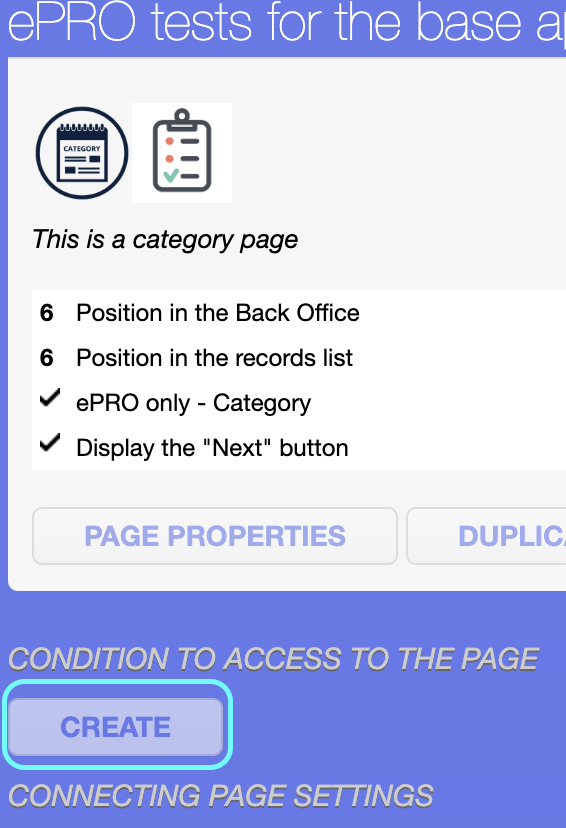
Step 1: Click on the CREATE button of the CONDITION TO ACCESS TO THE PAGE
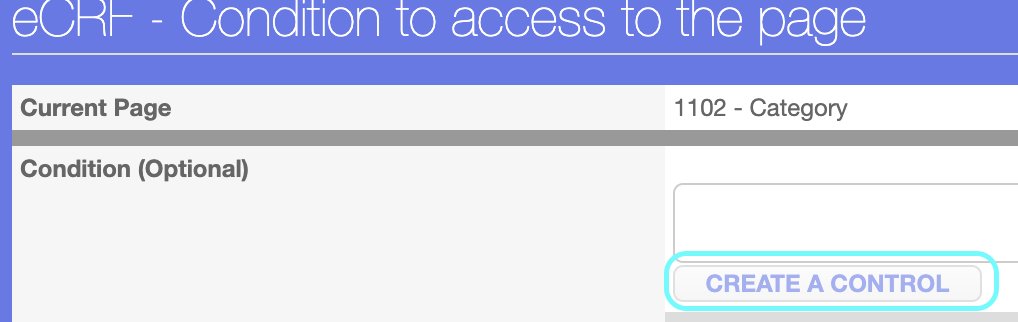
Step 2: Click on CREATE A CONTROL button
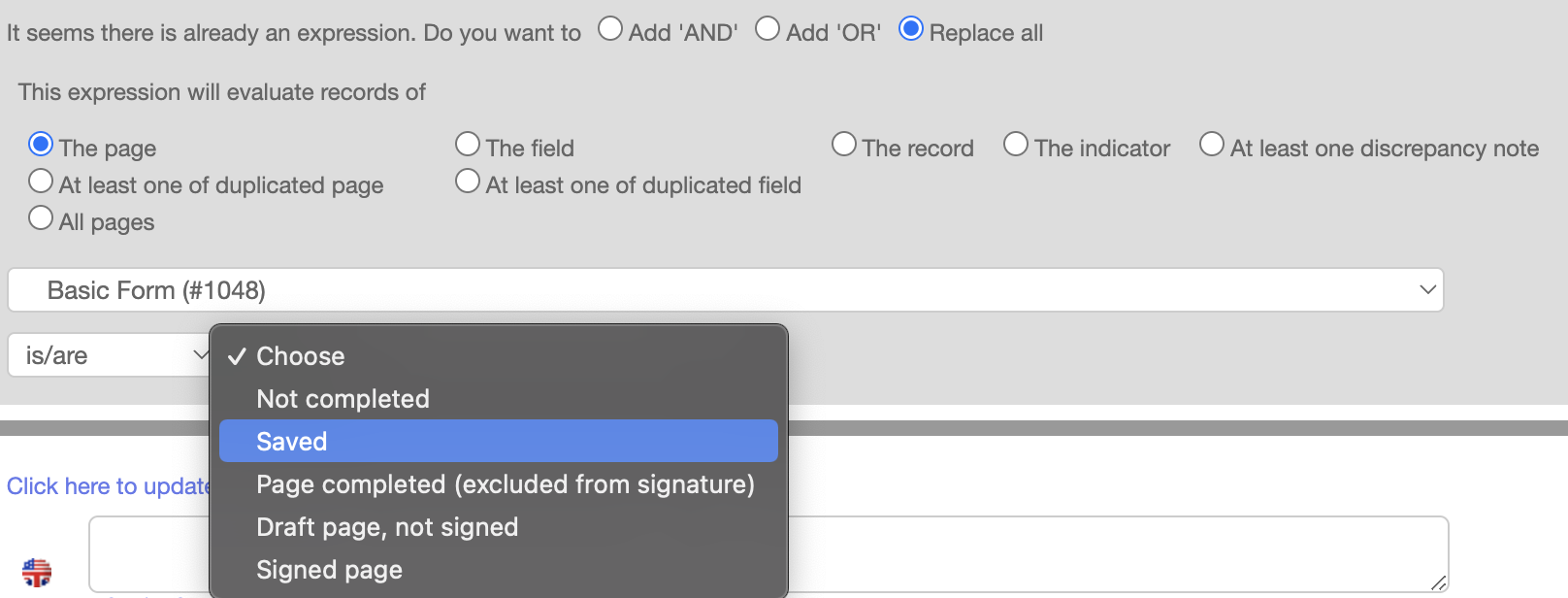
Step 3: Select “The page” option, from the dropdown select the “Basic Form”, select the condition “is not/are not”, and select the value “Saved”, select “Add ‘OR’” condition, repeat the same steps for factsheet, select “The page” option, from the dropdown select the “Factsheet”, select the condition “is not/are not”, and select the value “Saved”