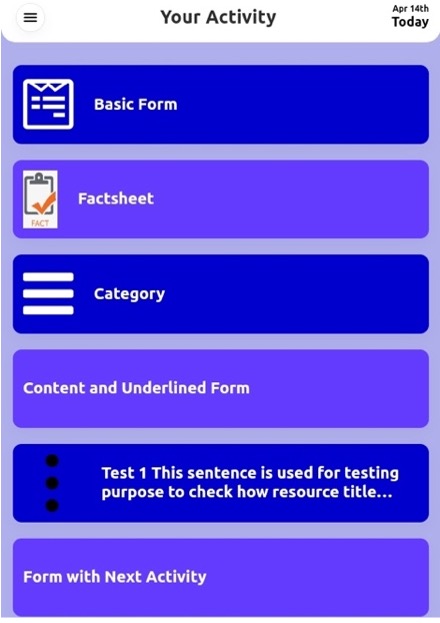
Page position is the positions of the pages in the back office and in the timeline. From the given screenshot, the position of the Basic form in the records list is « 1 » which means in the timeline it is listed first.
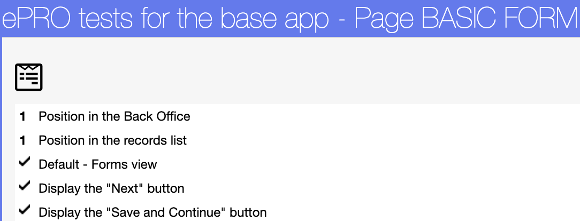
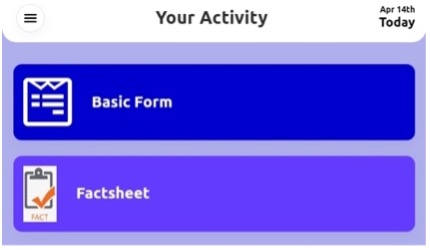
If the position in the record list is kept blank, then the page will not appear in the timeline.

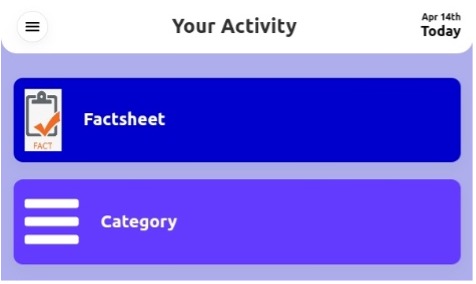
You can manage the page position through page management list.
Click on Page Properties

Click on Manage the list link for Position in the patient folder

Click on Automatic for Position in the back office and position in the patient folder and click on Validate, this will assign the position.