When you create a page there are 6 types of page template you can choose:
Default – Forms view
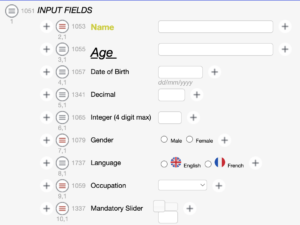
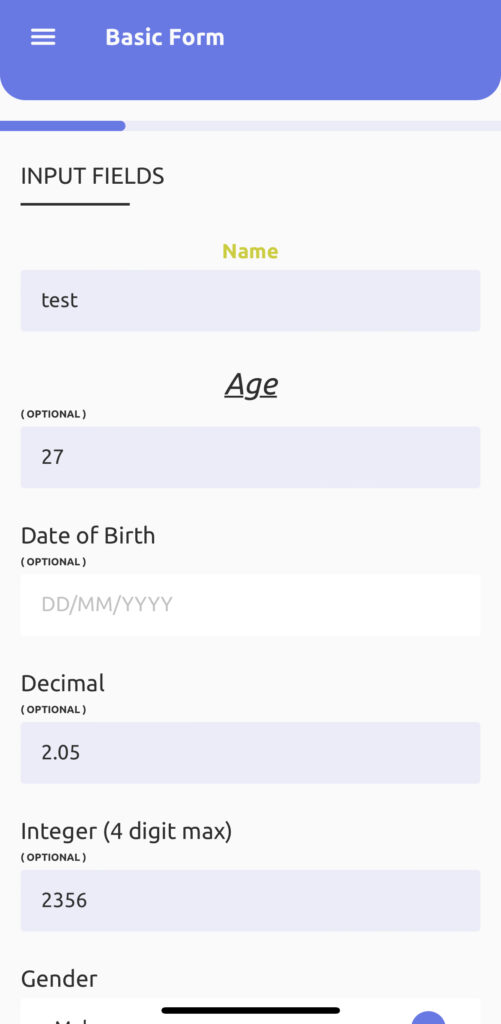
If you create a form using the Default – Forms View template, it will give you the look of a basic form with a field label and fields (as shown in the below screenshots)
Print out view
Available for eCRF only
ePRO only – TOS
You can create a form using the ePRO only -TOS template (TOS – Terms of Service) when you want to implement a Terms of service or a privacy statement (you can also add a section for Cookies, Privacy, etc.) This template only allows content and checkbox fields.
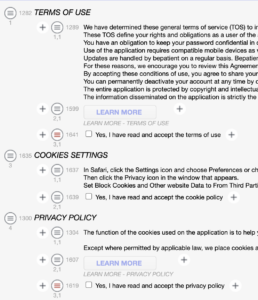
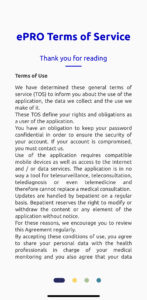
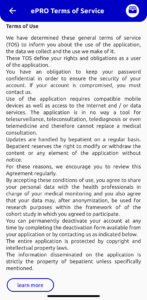 ePRO only – Factsheet
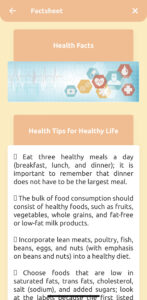
A factsheet template can be used when you want to display some information to patients related to a medical product or other topics. Factsheet only allows content, image, and HTML fields.
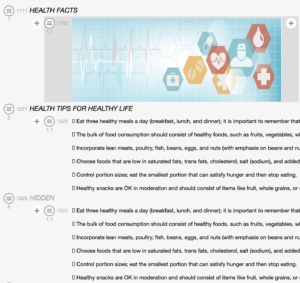
ePRO only – Category
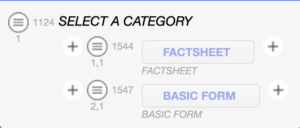
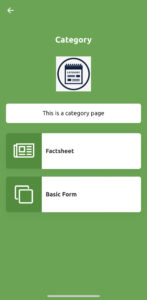
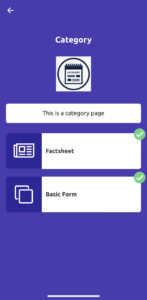
If you want to display information in a categorised manner, you can use this template. From the below screenshot, you can see there are two categories Factsheet and Basic Form. When you click on Factsheet, it will redirect to the factsheet page, and if you click on Basic Form, it will redirect to the basic forms page. When you complete these categories, it will show the green done icon.
ePRO only – Information popup
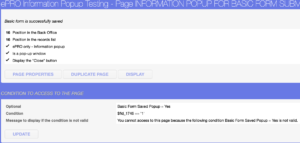
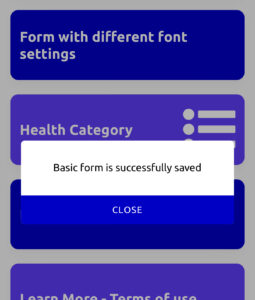
If you want to create a popup you can use ePRO only – Information popup template. You can add a condition when to show a popup. In the given screenshot, Condition is created to display the popup when the basic form is saved (page 1048 is the basic form page id).