Step 1: Click on CRF Building from the Menu, it will redirect to the Builder Welcome Page

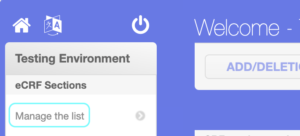
Step 2: Click on Manage the list option from the eCRF Sections and click on ADD A SECTION button

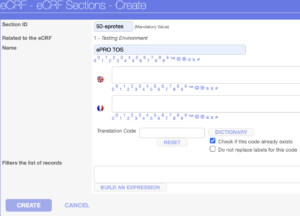
Step 3: It will load the eCRF Sections page, enter Section ID, Name, and click on CREATE button
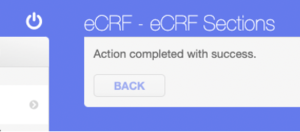
It will show the “Action completed with success.” Message, click on BACK button
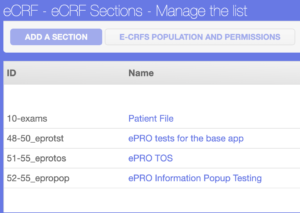
It will navigate back to the main page of eCRF Sections – Manage the list page where you can see the newly created ePRO section has been added in the list as well as at the bottom left