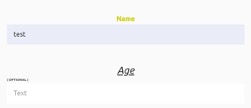
Text Field
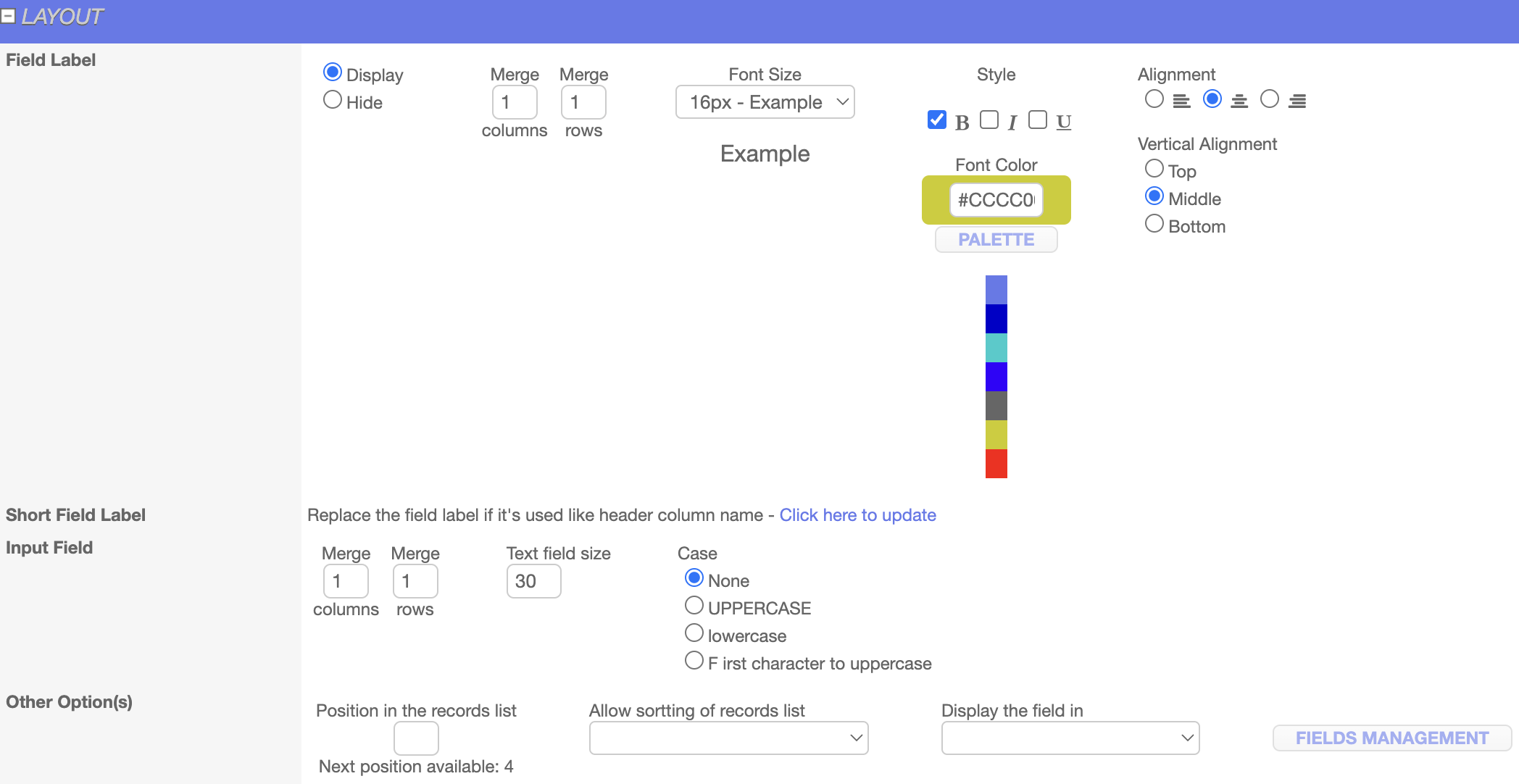
For the text field, you can set the font color, size, style, alignment, and position from the Layout, also you can set the field value based on the condition if that field is required then set “Yes, if the field value is missing then pop up an alert message and don’t allow to save the page” option under field value section.
Backoffice:

Frontend:
Date Field
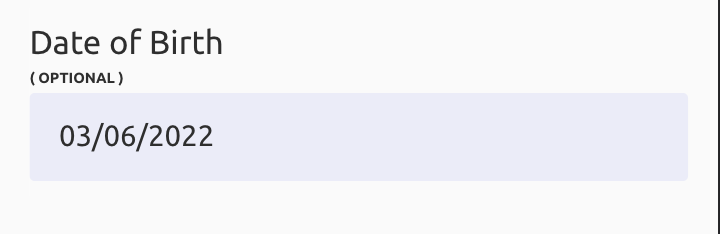
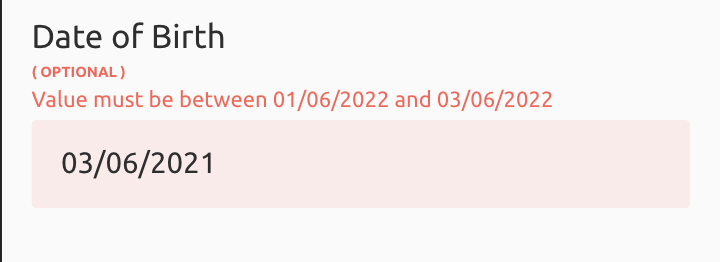
For the date field you can set the layout and mandatory value condition, also you can set the bound values that are lower bound and upper bound, in this case, you can set the earliest date in lower bound and the latest date in upper bound if someone tries to enter dates beyond these criteria it will show an error.
Backoffice:

Frontend:
Integer Field
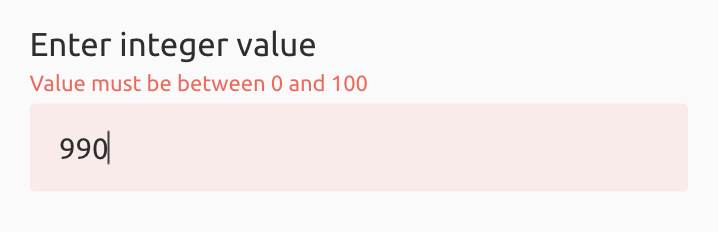
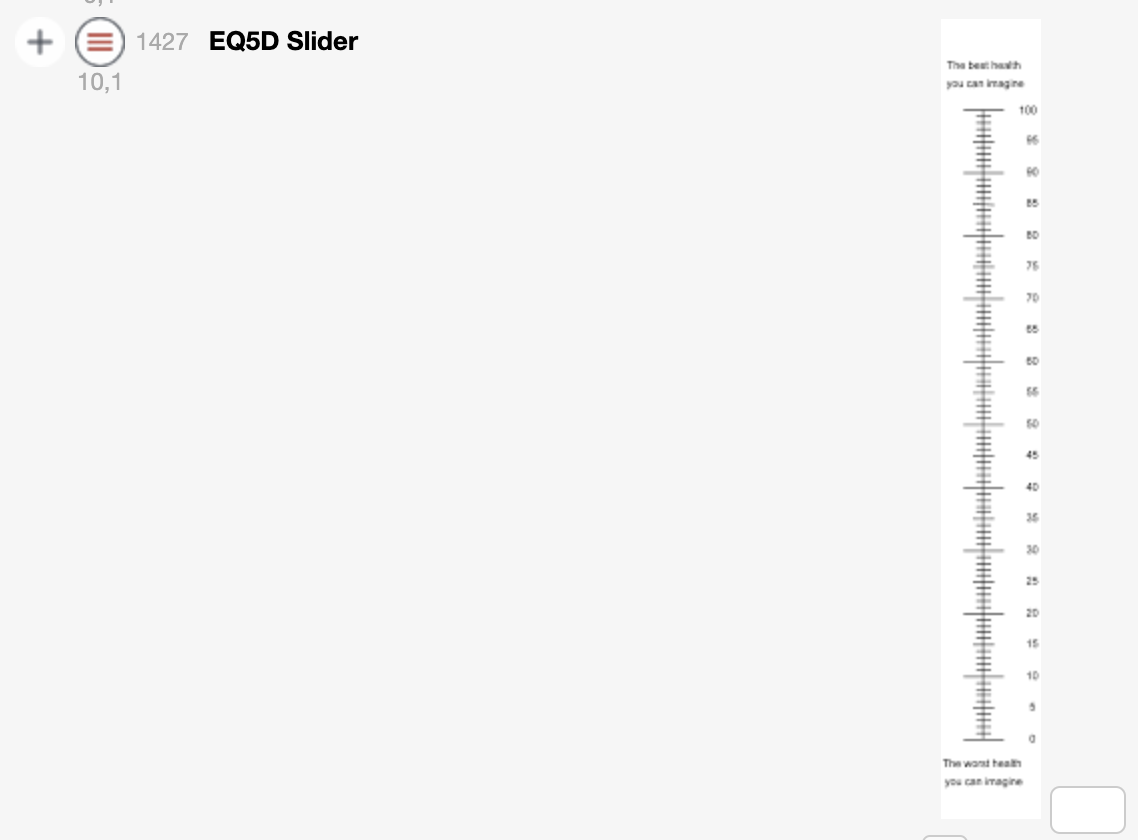
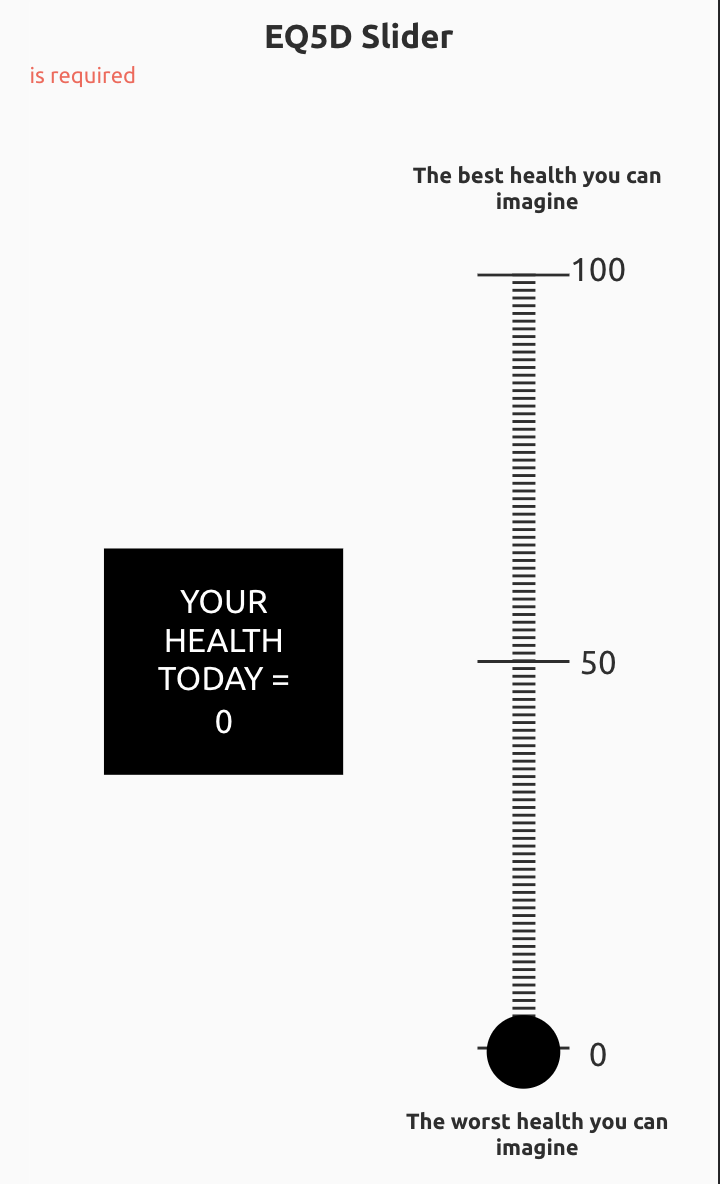
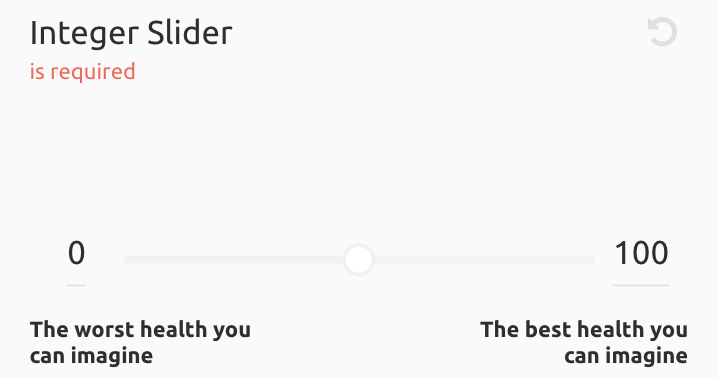
In integer, you can set the text field size, and based on that it will allow you to enter the integers. Also, you can choose the templates like « slider » which is a horizontal slider, and « EQ5D5L slider » which is a vertical slider, besides that you can set the layout and field value.
Backoffice:

Frontend: 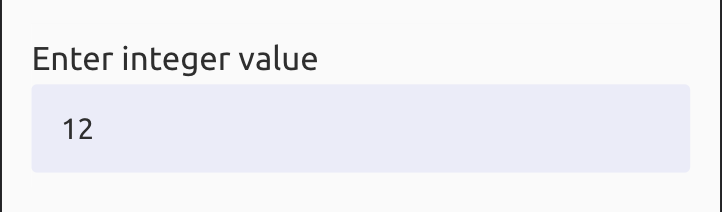
Integer (EQ5D5L Slider)
Backoffice:
Frontend: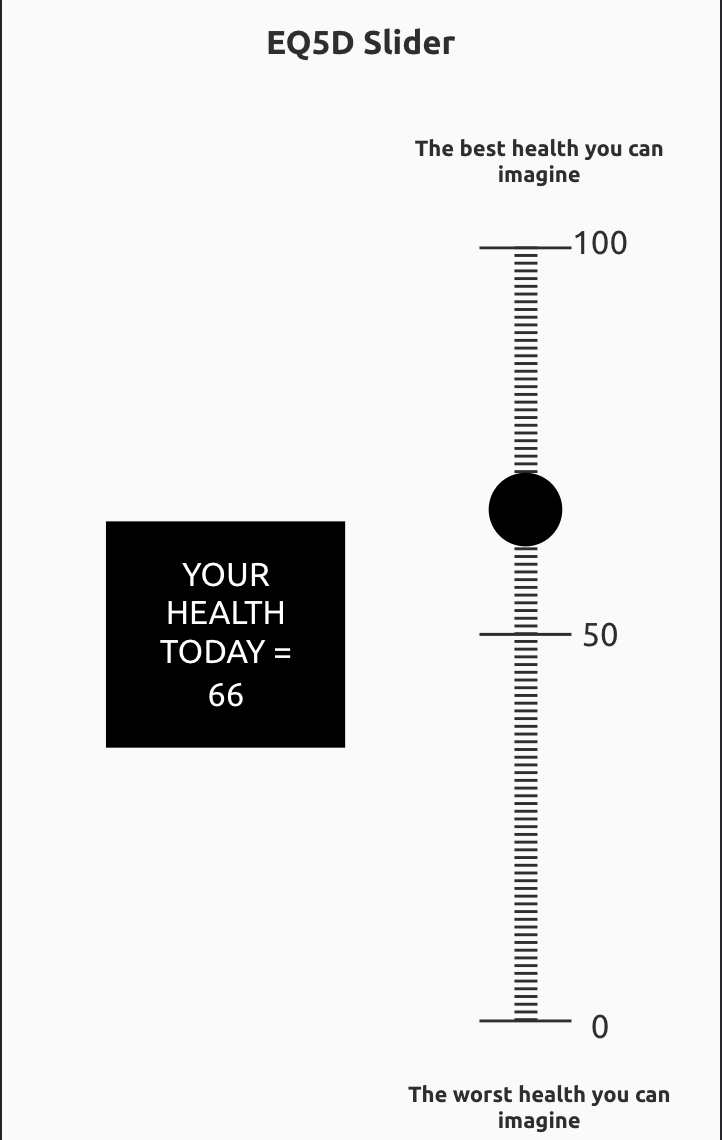
Integer (Slider)
Backoffice:

Frontend: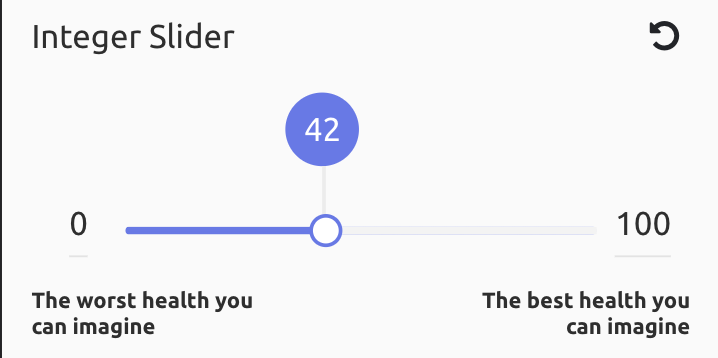
Decimal Field
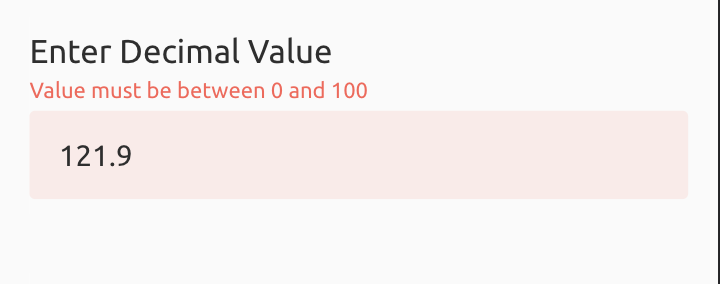
Decimal is similar to an integer with the difference you can enter the decimal values. Besides that, you can set the layout and field value.
Backoffice:

Frontend:
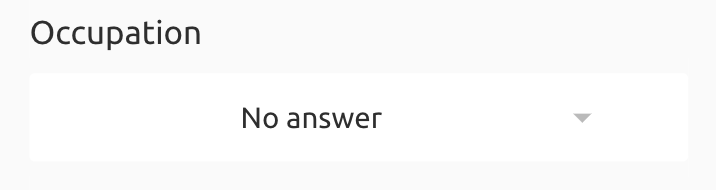
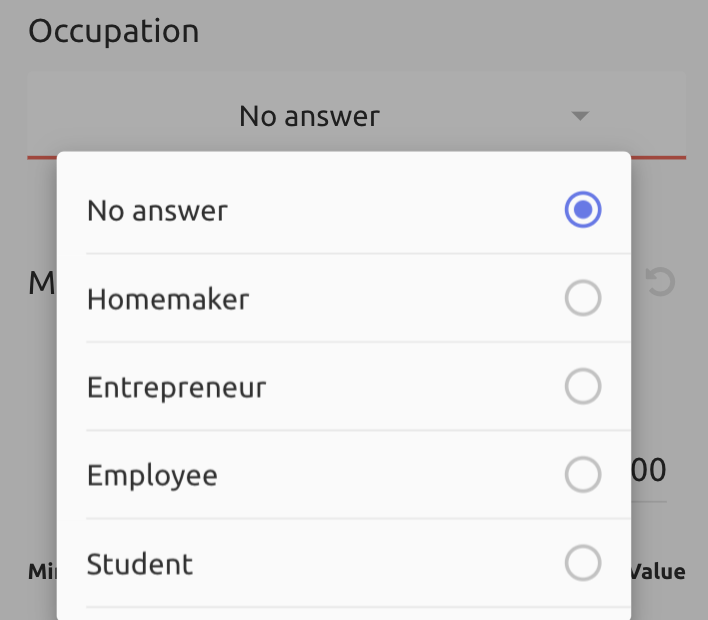
Drop-down List Field
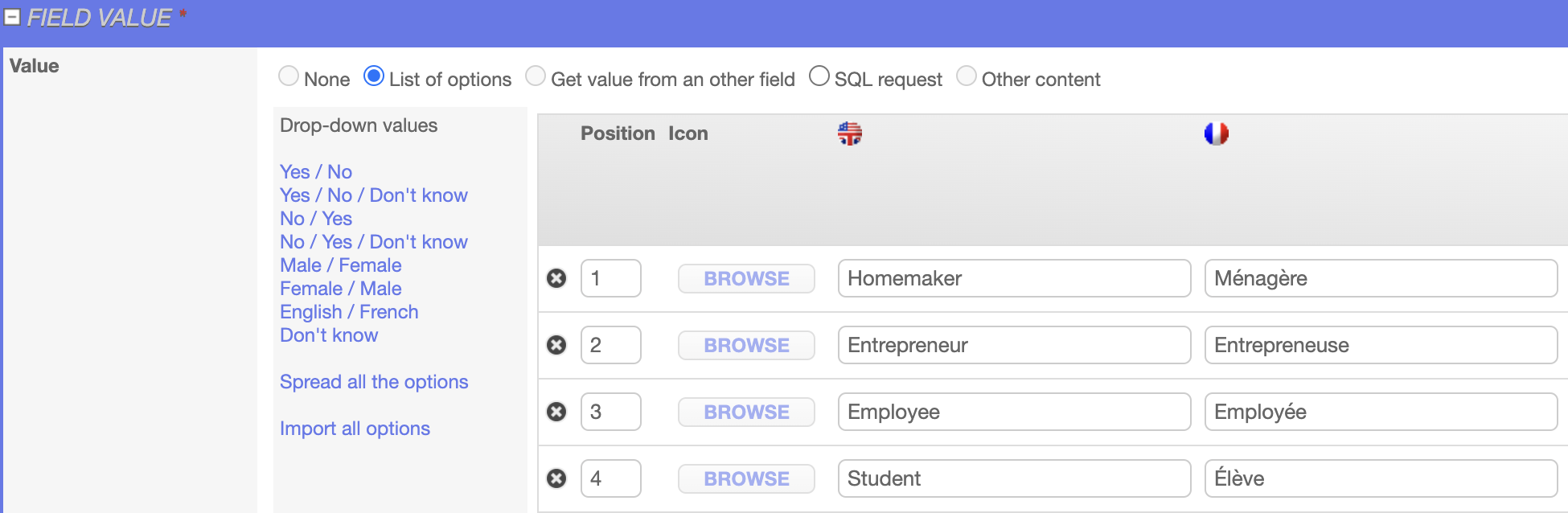
To display the option under the dropdown list, In the field value you can enter the option one after another.
Backoffice:
Frontend:
Option Group Field
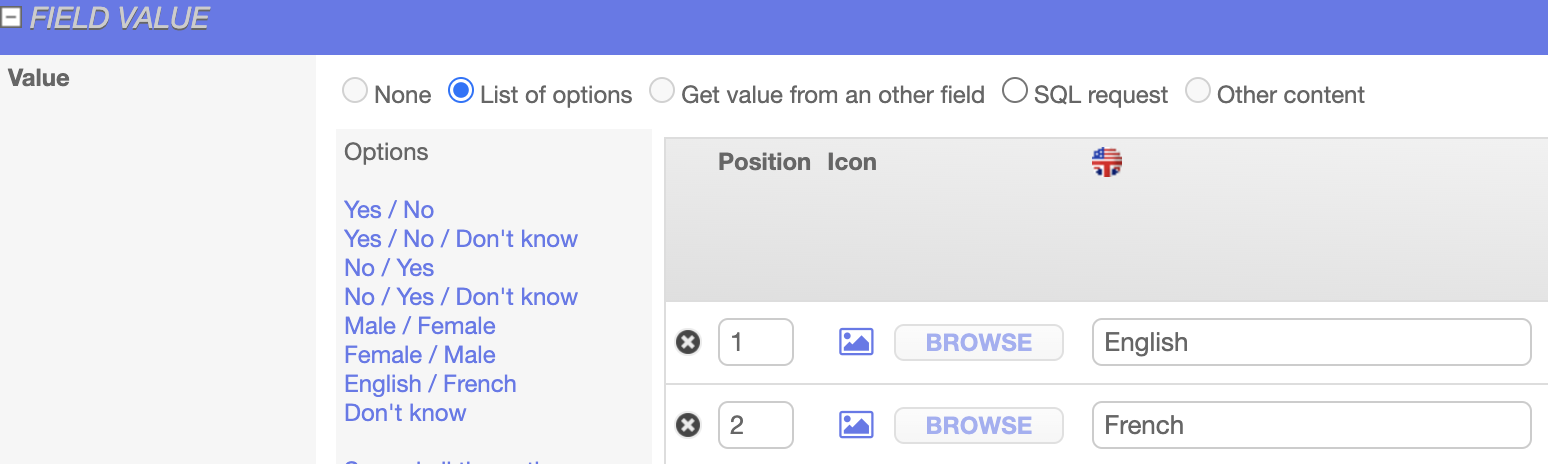
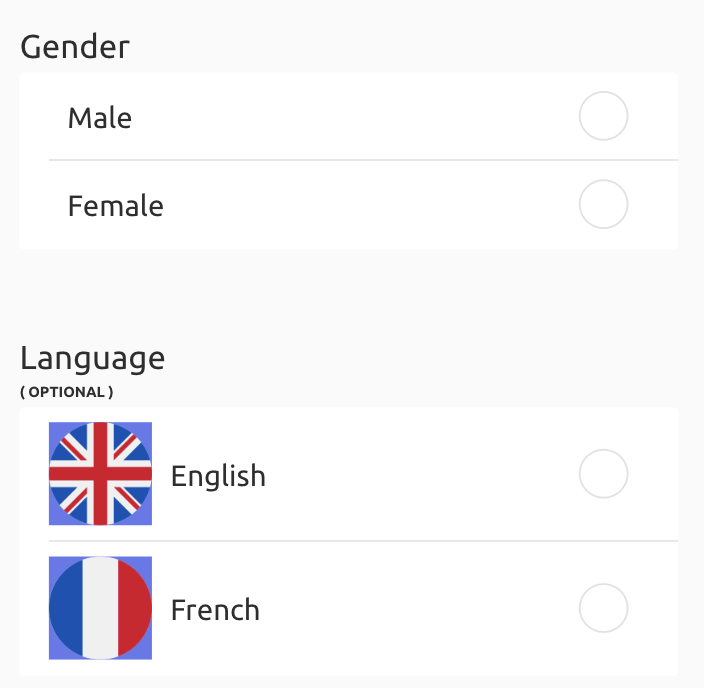
An option group is a radio button to display the option, In the field value, you can enter the option one after another. Also, you can add images to an option group value.
Backoffice:

Frontend:
Checkbox Field
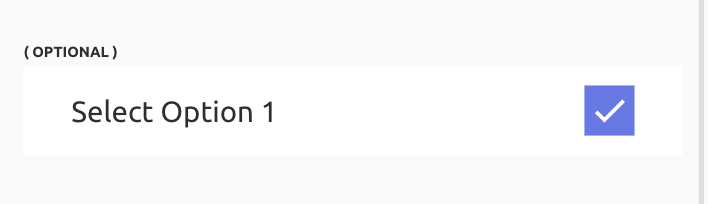
For a checkbox field you can set the font color, size, style, alignment, and position from the Layout, also you can set the field value based on the condition if that field is required then set “Yes, if the field value is missing then pop up an alert message and don’t allow to save the page” option under field value section.
Backoffice:

Frontend:
Content Field
Content is used to display the information like paragraphs, it displays the content in the same size and format, you can set the font color, size, style, alignment, and position from the Layout.
Backoffice:

Frontend:

Rich Content Field
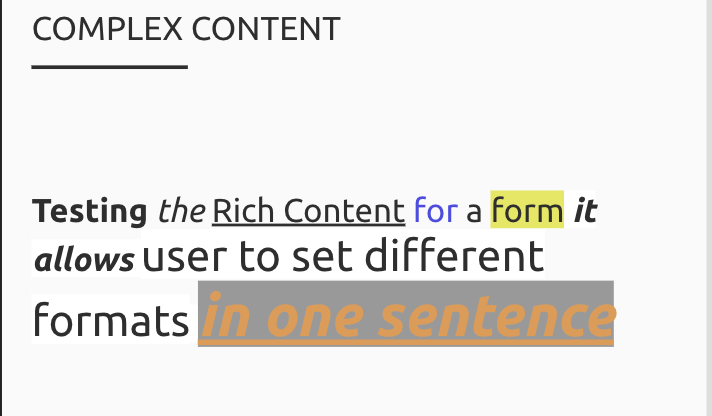
Rich content allows you to set different formats in one sentence such as half of the sentence can be bold with big fonts and another half of the sentence can be italic with different font colors.
Backoffice:

Frontend:
Note Field
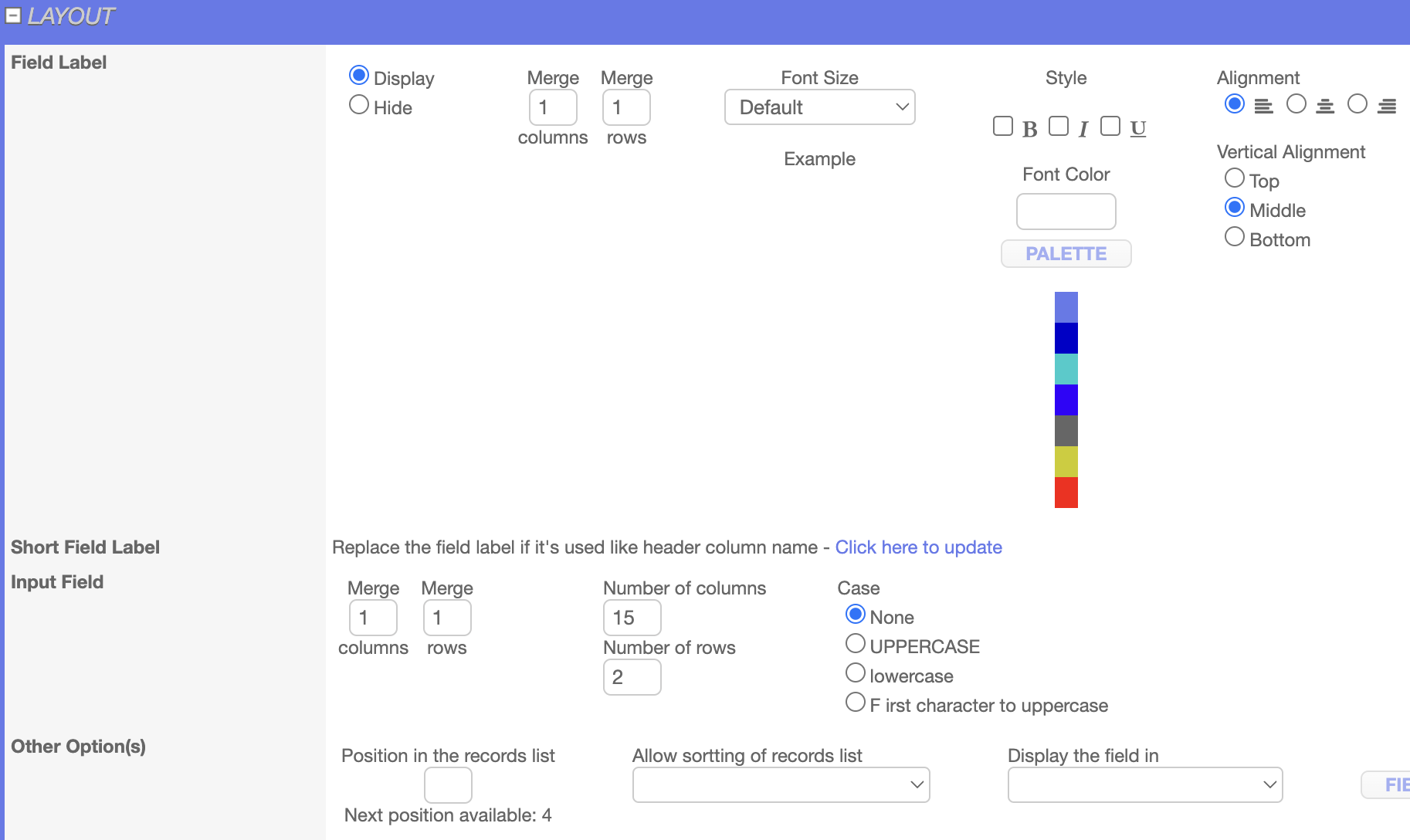
The note field allows the you to add notes, the maximum number of columns and rows can be set from the layout.
Backoffice:
Frontend:
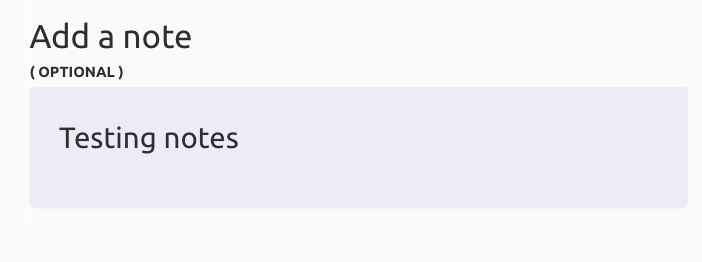
Image Field
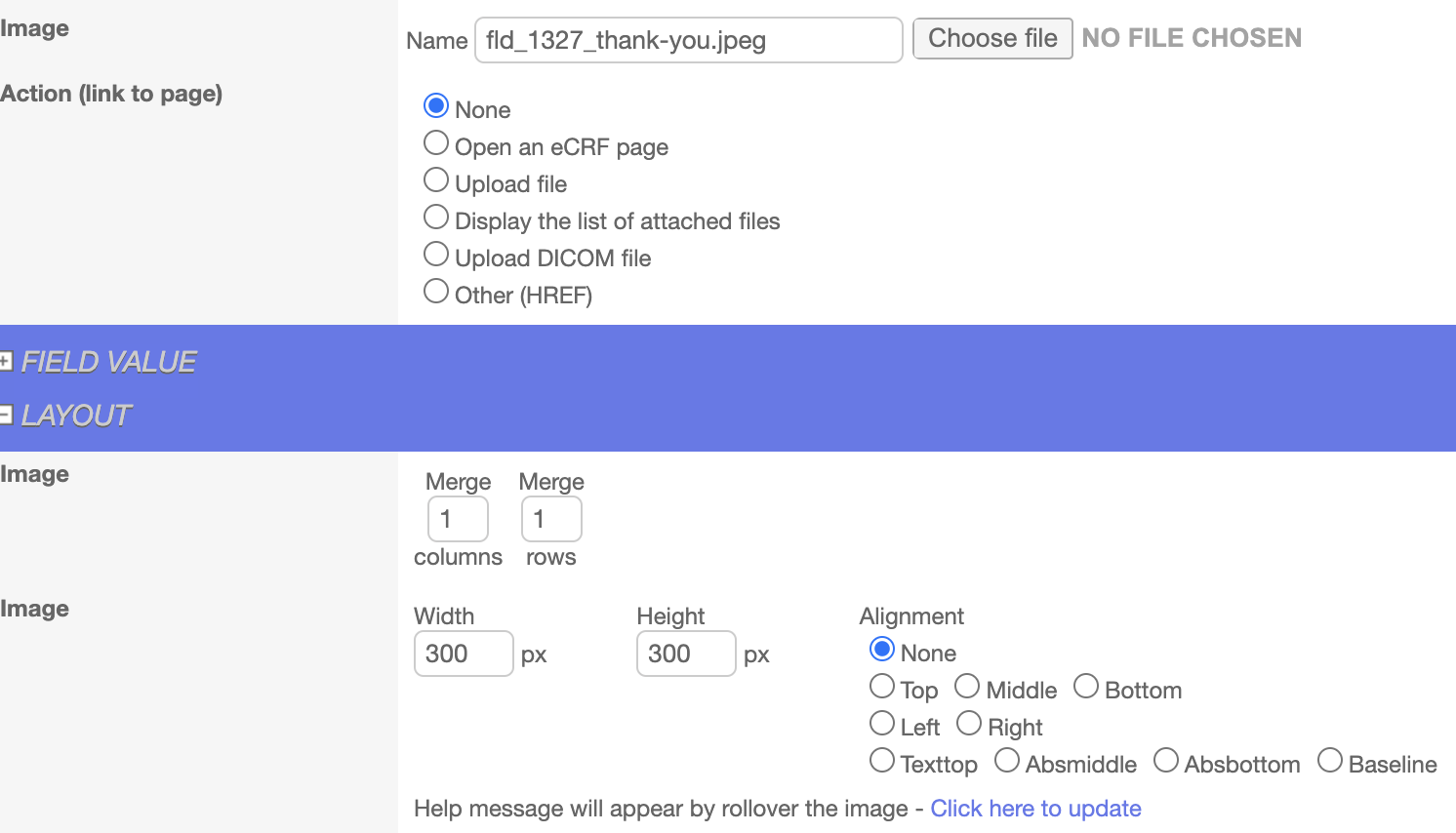
The image field allows you to upload the images in .png, .svg, .jpg format, from the layout you can set the image size (height, width, or alignment).
Backoffice:

Frontend:

Photo Field
Photo field allows you to take the photo or upload it from the photo library.
Backoffice:

Frontend:

Signature Field
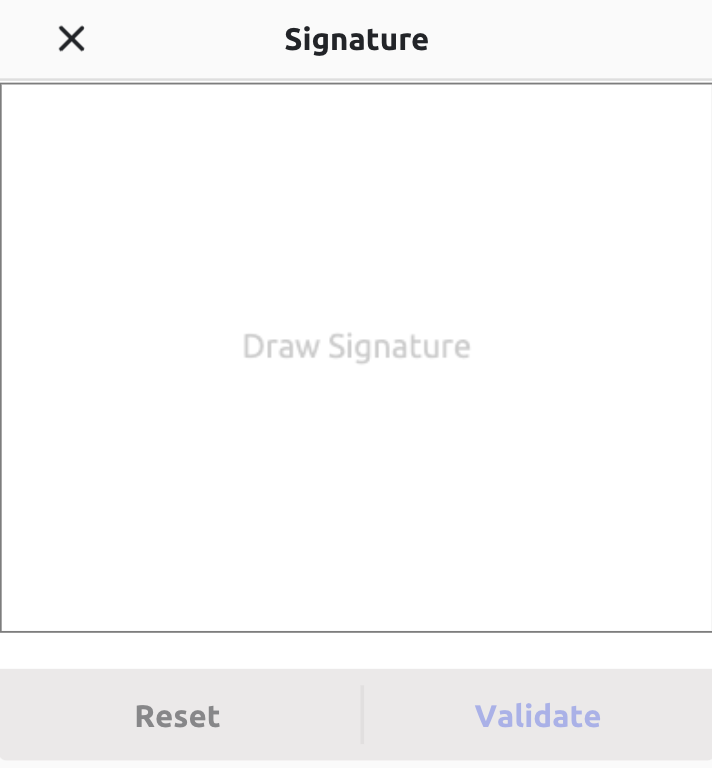
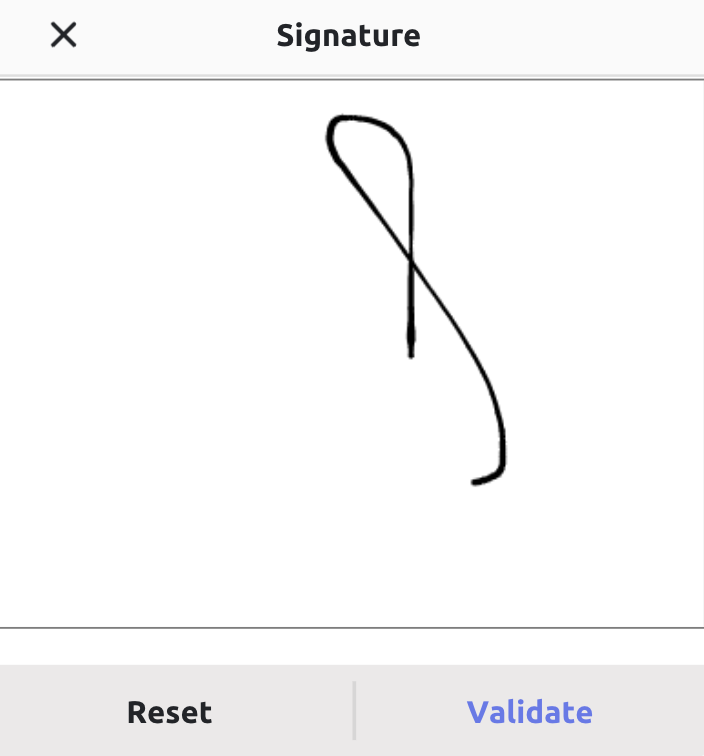
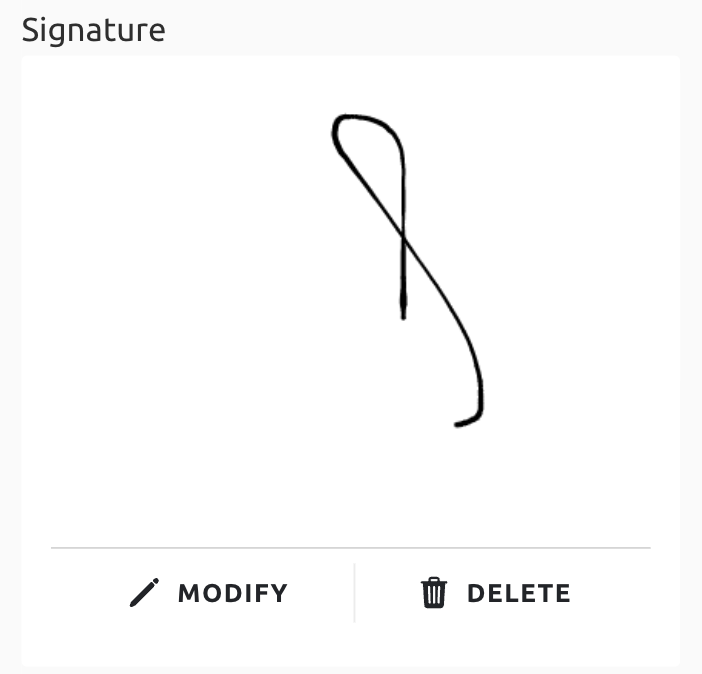
The signature field is used to take the signature of a patient on an eConsent form. This field allows patient to modify or delete the signature.
Backoffice:

Frontend: