How to set mandatory field
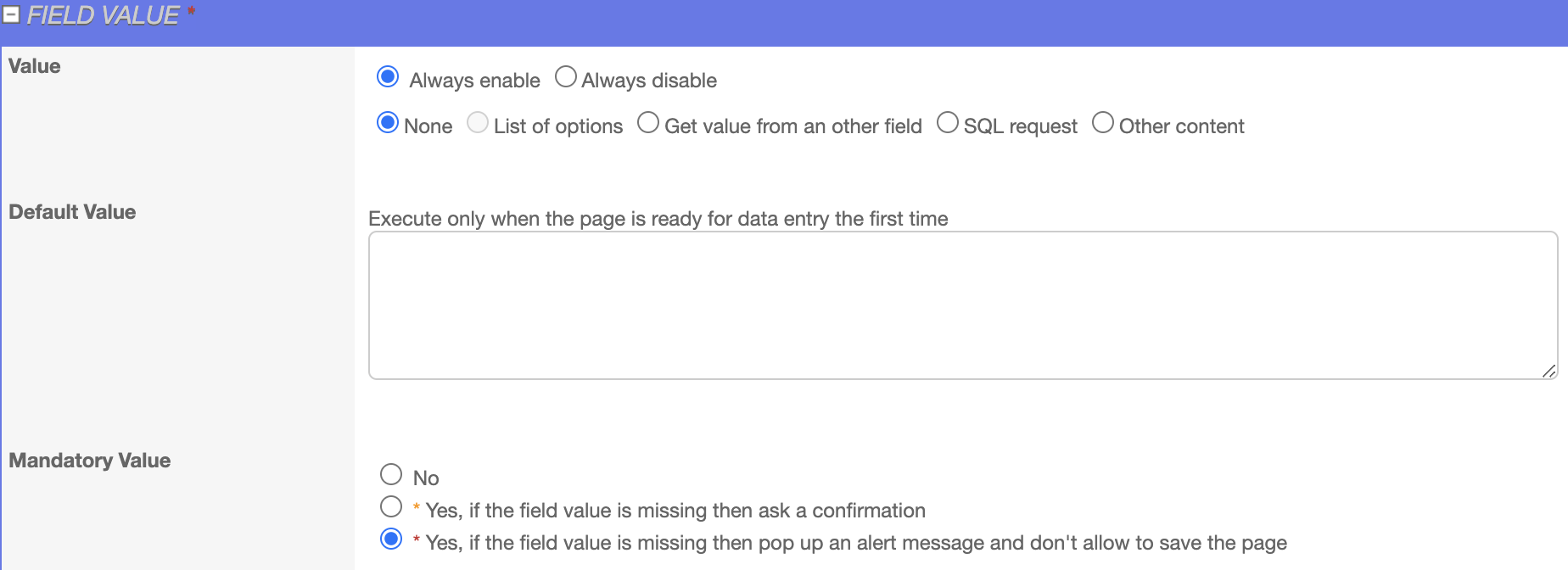
To set the required field mandatory, under the field value section, select « Yes, if the field value is missing then pop up an alert message and don’t allow to save the page » this will make the required field mandatory, and it will be highlighted in the red in the back-office page.
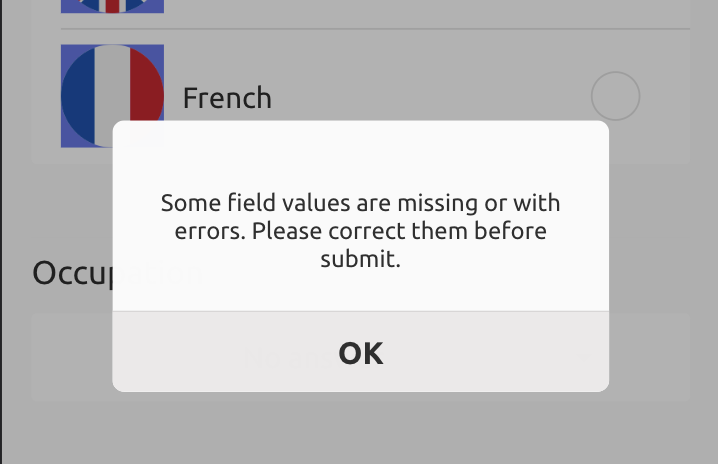
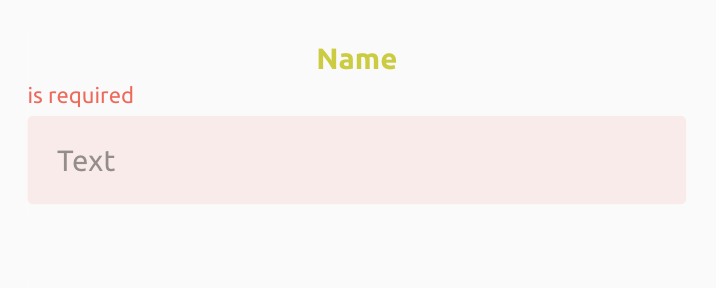
 In the front end if this field is kept blank and we try to save the form it will show a popup message and the required field will be highlighted in red. When mandatory value is set to ‘No’ it will display the field as optional.
How to set boundaries
We can set the boundaries of Date, Integer, EQ5D Slider, Slider, and Decimal field by setting up lower bound and upper bound.
To set the boundaries of Integer, Integer Slider, Decimal field:
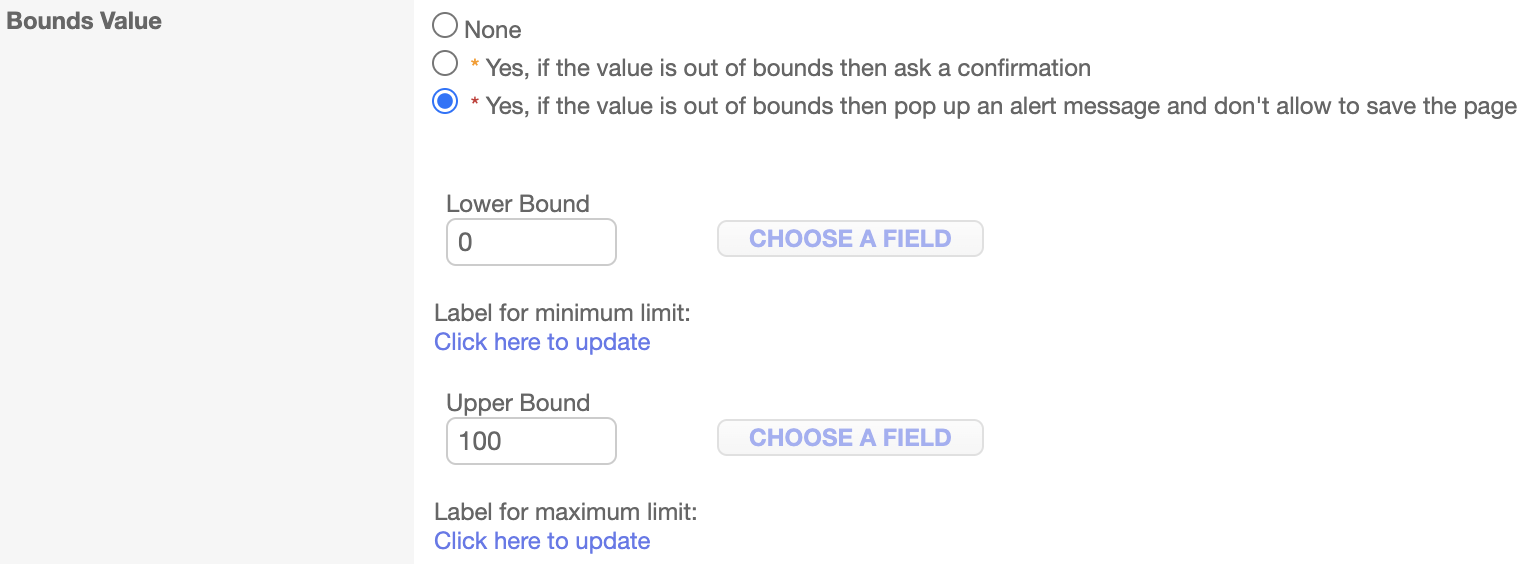
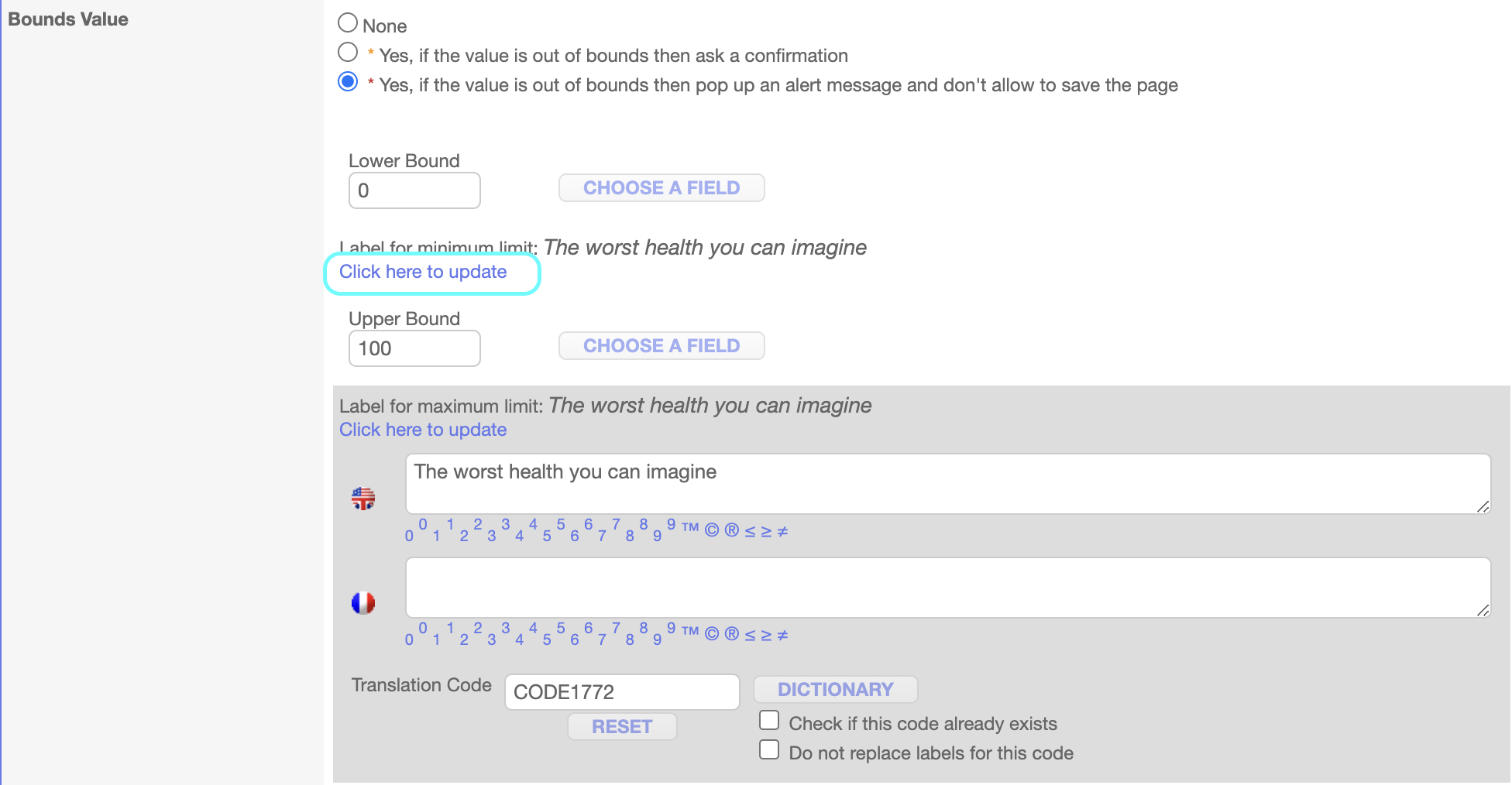
Step 1: Select ‘Yes, if the value is out of bounds, then pop up an alert message and don’t allow to save the page’, Enter lower bound value ‘0’ and upper bound value ‘100’
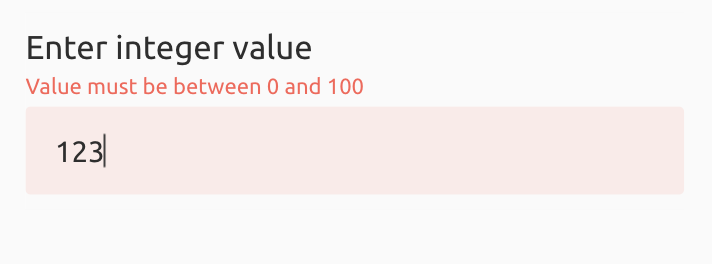
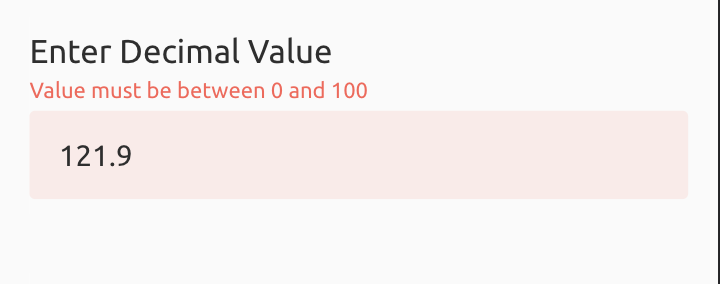
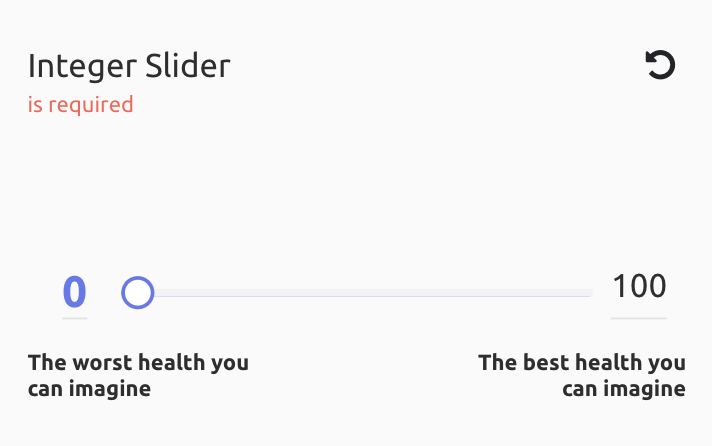
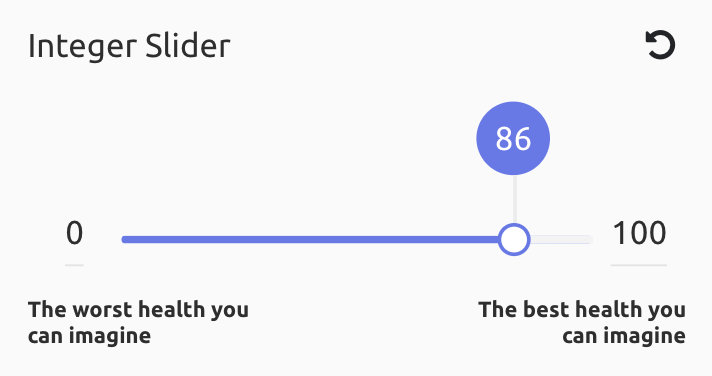 For the EQ5D Slider, you can add the label for the lower bound and upper bound, click on Click here to update link and enter the message in English and French language.
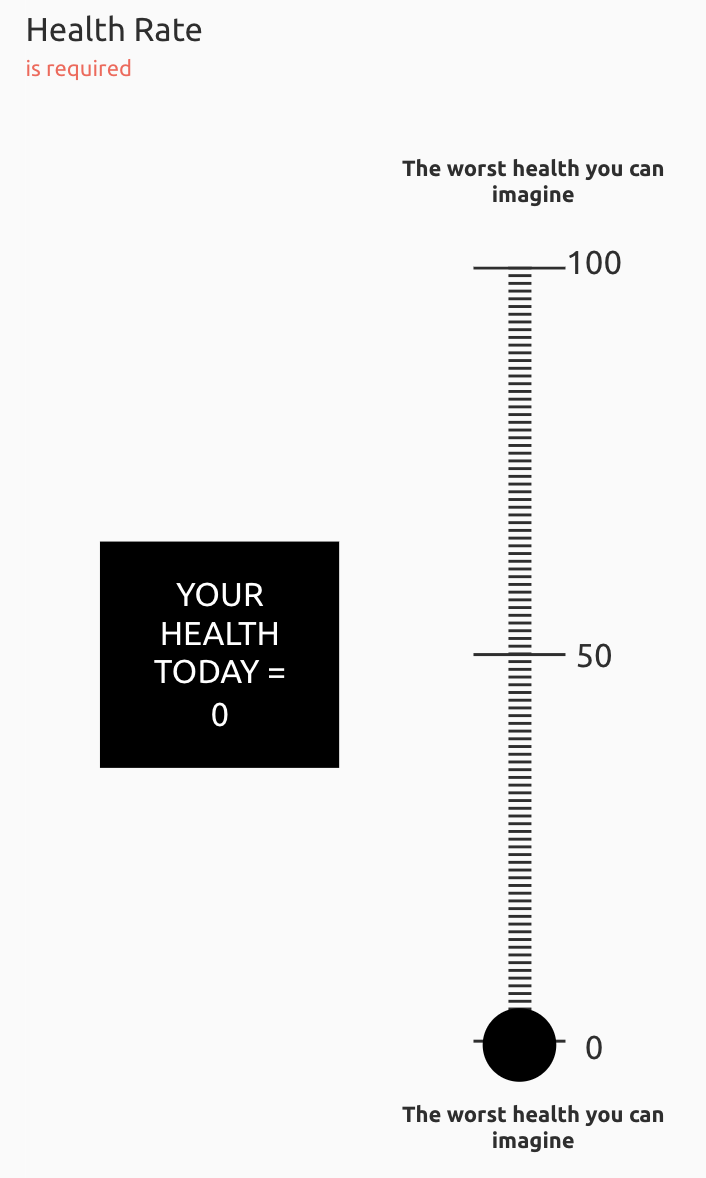

To set the boundaries of Date field:
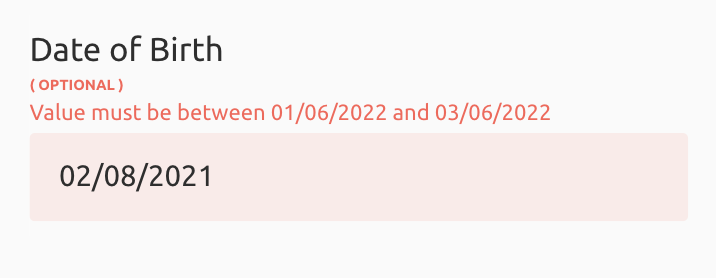
Step 1: Select ‘Yes, if the value is out of bounds, then pop up an alert message and don’t allow to save the page’
Step 2: You can set today’s date by clicking on the today link in lower bound and upper bound or by selecting days, months, and years, these fields are used to set the boundary condition and it displays error if the date is outside the boundary conditions.


How to set conditions
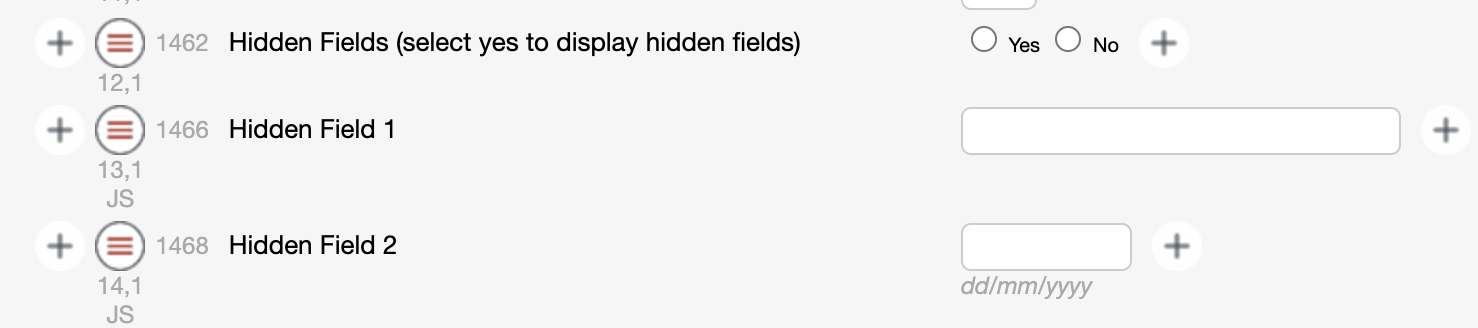
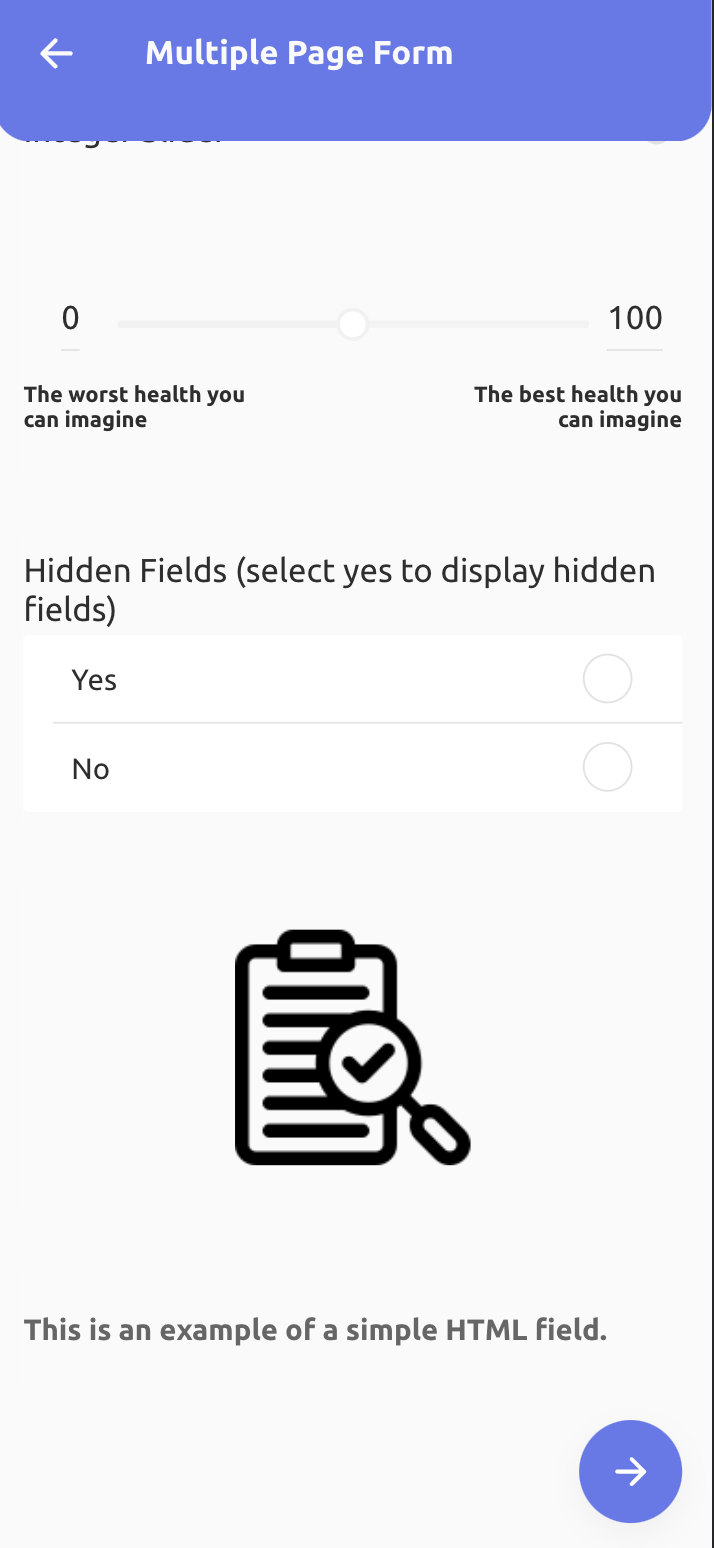
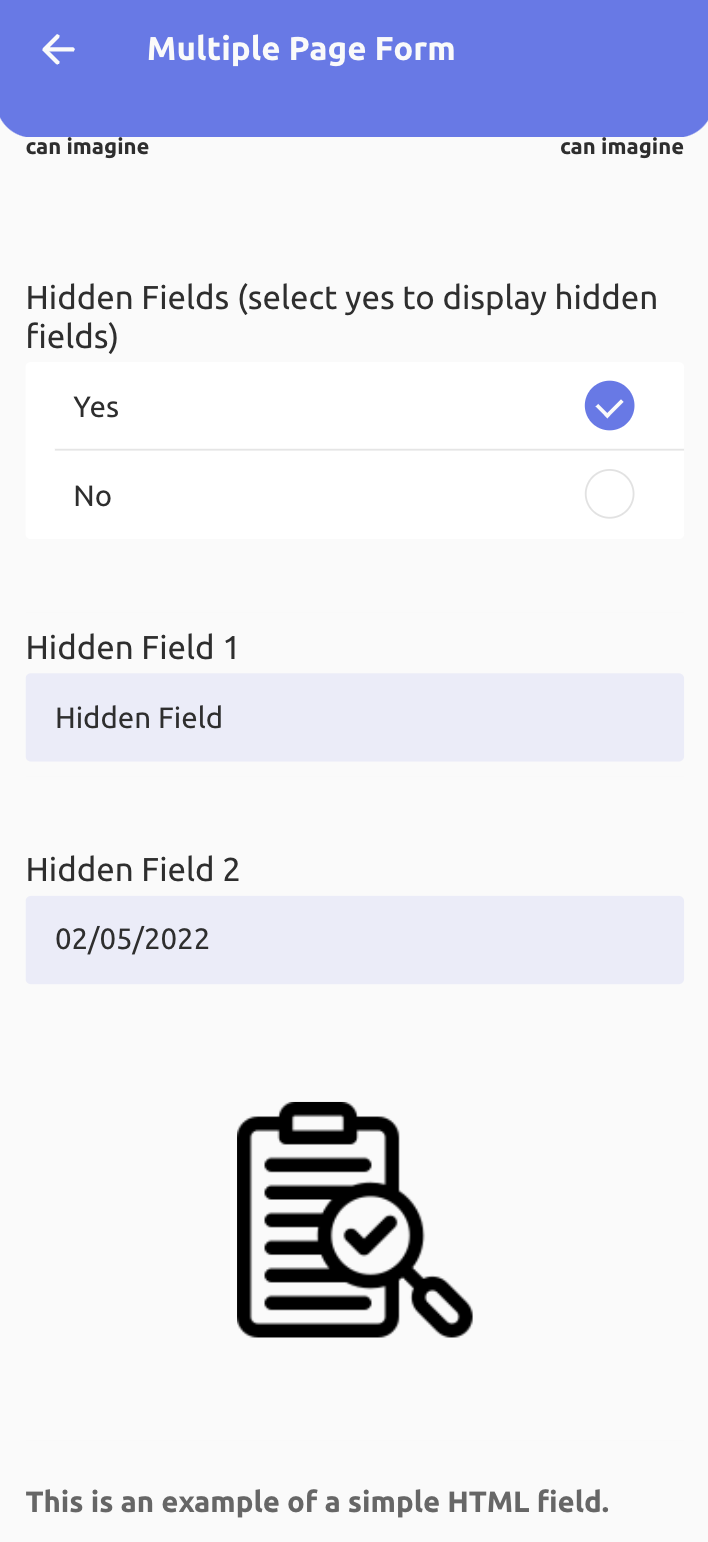
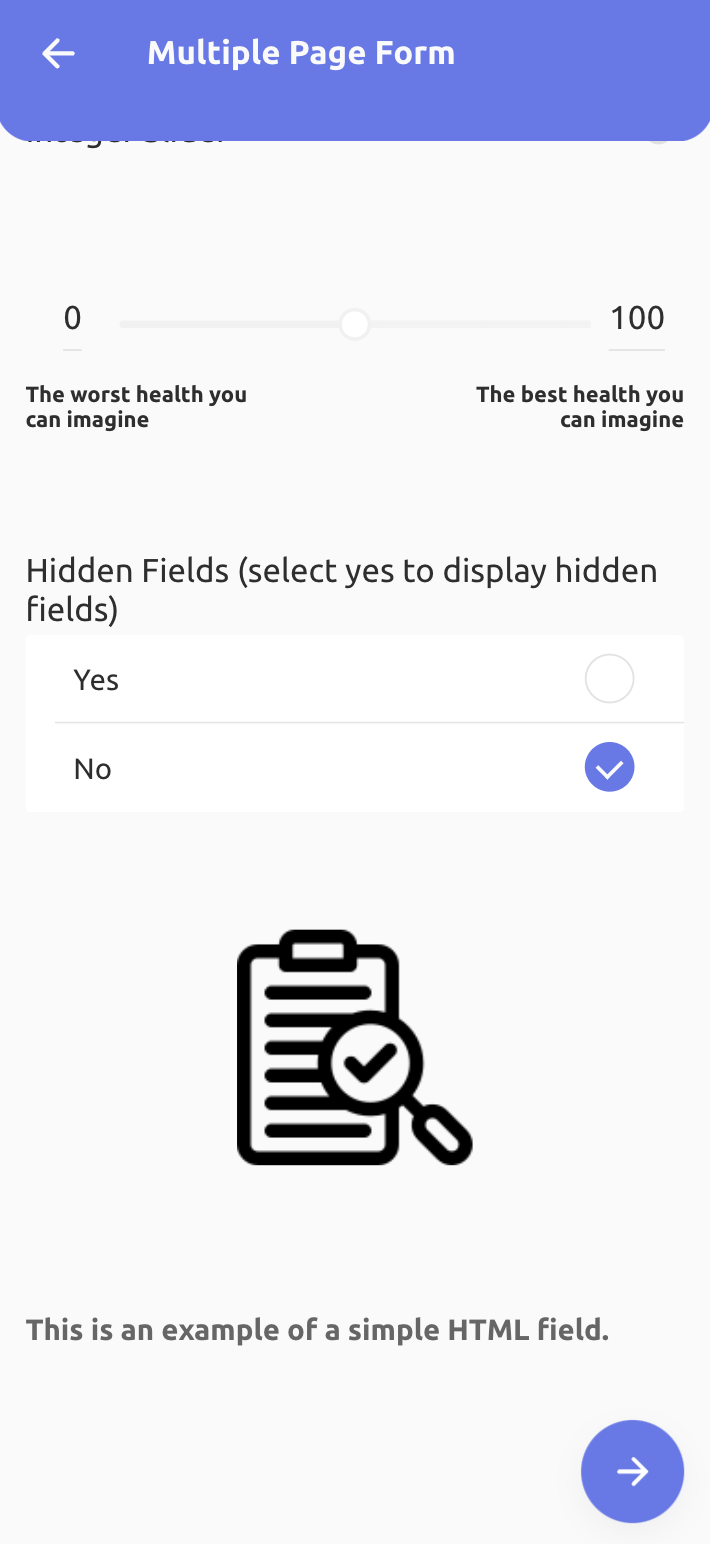
Field conditions can be implemented to access the conditional fields. For a particular field, if the patient selects the yes option, then only it will display the conditional fields. Following are the steps to create a field condition:
Step 1: Click on CREATE A CONTROL button, it will open a new tab
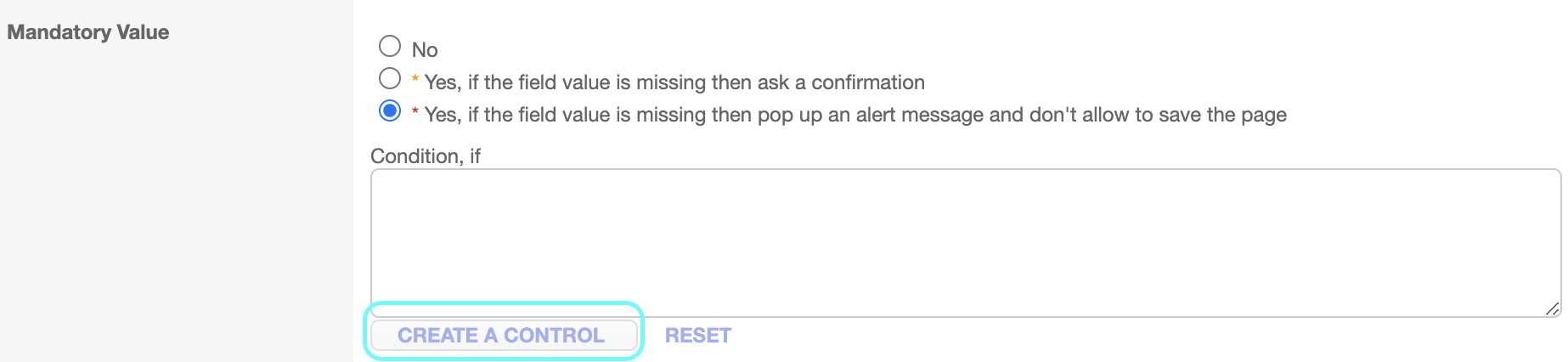
Step 2: Select the main field for which you want to keep this current field hidden, select the operation (equal, not equal), select the field value.
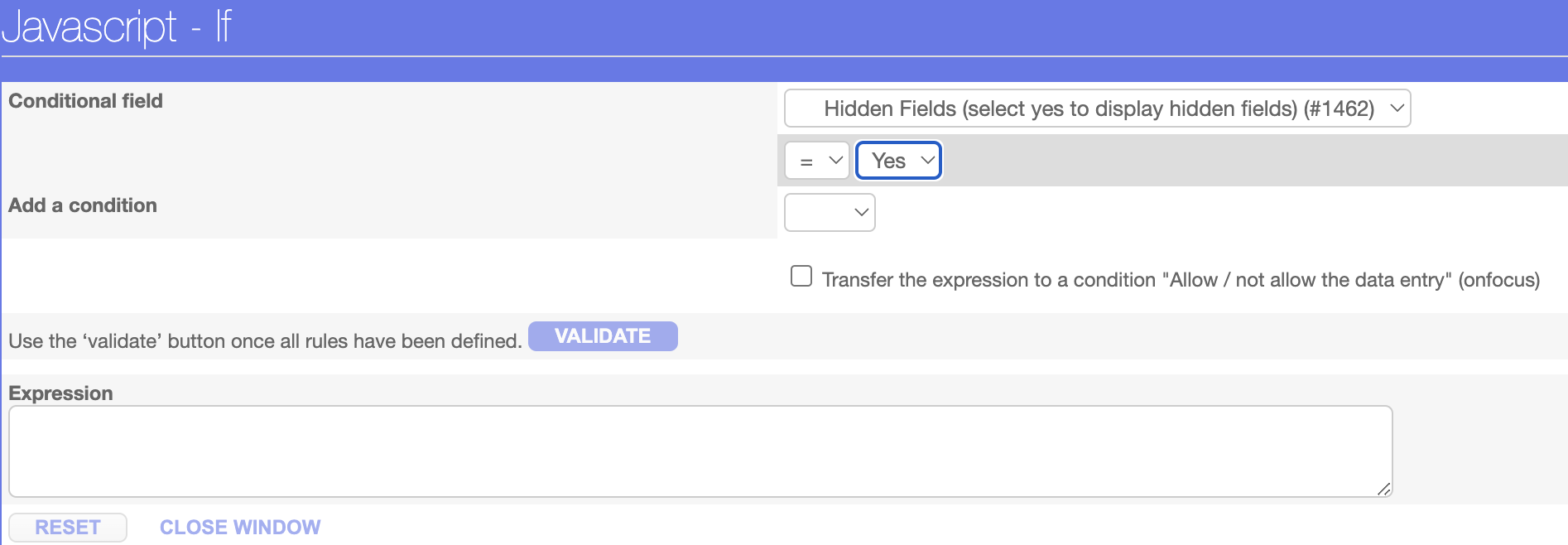
Step 3: Click on Validate button, expression has been created.
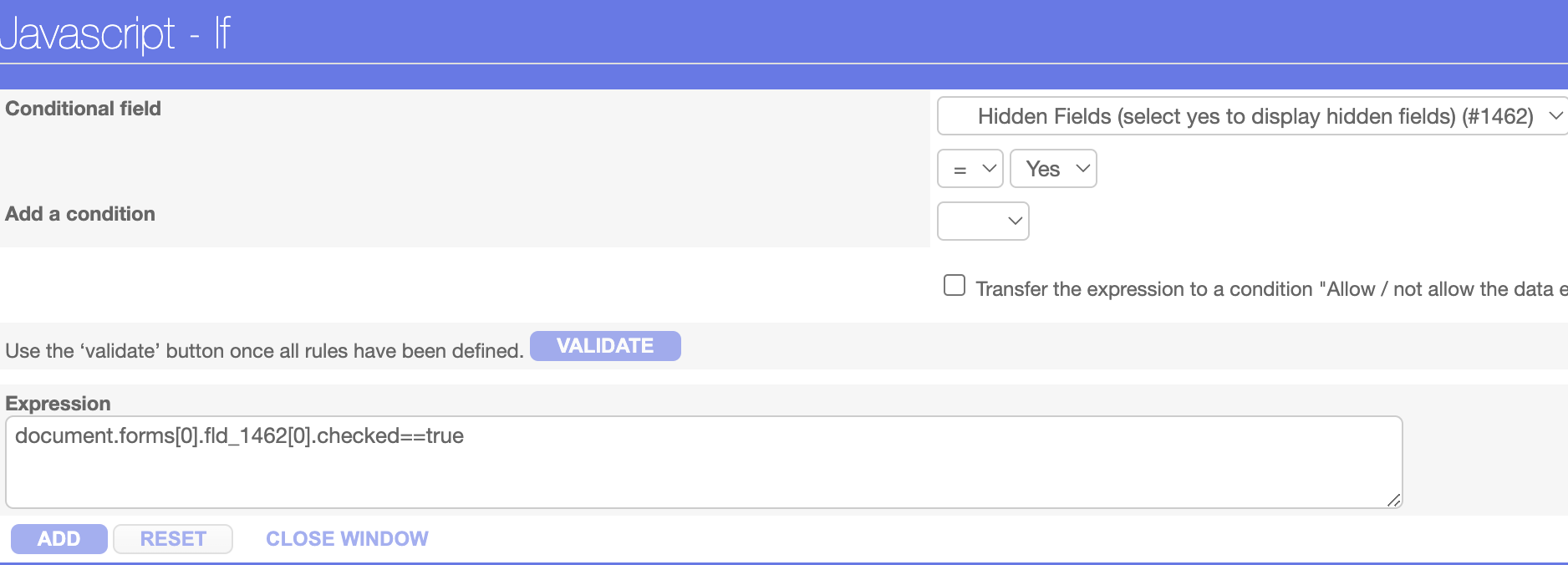
Step 4: Click on Add button