Step 1: Click on Add Record or a icon from the Menu it will load the Patient Registration Page
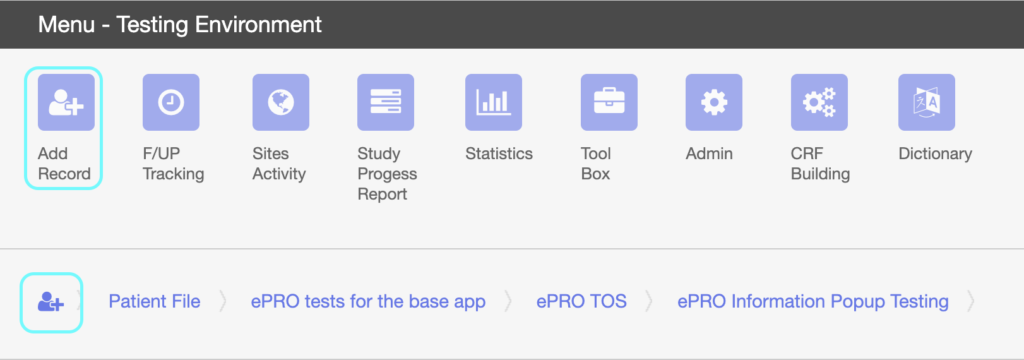
When menu is closed click on Add Record from the header menu, it will load the Patient Registration Page

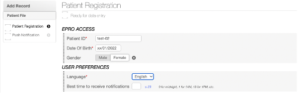
Step 2: Enter Patient ID, Date of Birth, Gender, Language and click on SAVE AND CONTINUE button
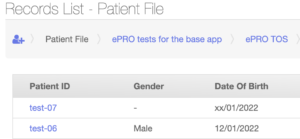
Newly created patient record can be seen under Record List – Patient File